WhatsApp QR code generator
A WhatsApp QR code is your wa.me chat link drawn as a QR code: scanning it with a phone camera opens a chat with your number, your message already typed. Enter the number and message, then download the code as PNG or SVG. It's drawn in your browser; nothing is uploaded.
By Ray, founder of Asks · Updated · Free, no sign-up · Runs in your browser
Generator
Make your WhatsApp QR code
The example encodes 68 characters as a version 5 code (37 × 37 modules). Change the number and message and it redraws.
Your WhatsApp QR code
Version 5 · 37 × 37 modules + 4-module margin · print it at least 23 mm (0.9 in) wide
Encoded link
Drawn in your browser. The number and message aren't uploaded, stored or tracked; the downloads are made on your device.
The example number, (201) 555-0123, is from the range North America reserves for fictional use. Replace it with yours. Need just the link? Use the WhatsApp link generator.
How to
How to create a WhatsApp QR code in four steps
- 01
Enter number and message
Pick the country, type the number, add a short opener. A short message keeps the code simple.
- 02
Pick error correction
M suits most print. Choose Q or H for stickers and packaging that get scuffed.
- 03
Download SVG or PNG
SVG for anything printed, PNG for screens and slides.
- 04
Test-scan before printing
Print one copy and scan it with two different phones from where customers will stand.
Printing
Printing tips that keep it scannable
- Keep the white margin. A QR code needs a quiet zone four modules wide on every side (DENSO WAVE). The downloads include it; don't crop it or print the code against a busy background.
- Size by module, not by inches. The tool shows the printed width at 0.5 mm per module, a rule of thumb for phone cameras at arm's length. The example code is 45 modules wide with its margin, so about 23 mm. Scale up for posters read from further away.
- Dark on light, matte if you can. Black on white scans best; inverted or low-contrast colours and glossy laminate glare cause most failed scans.
- Say what it does. Print a line next to it, such as “Scan to chat with us on WhatsApp”, and the number for people who can't scan.
- Logos cost scannability. This tool doesn't add one. If your designer puts a logo in the middle, use error correction H and test again.
Alternatives
This QR code or Meta's own?
Meta also makes managed WhatsApp QR codes for numbers on the WhatsApp Business Platform, through Business Manager or its API. They point to a wa.me/message/<code> link, their pre-filled message can be up to 140 characters and can be edited after printing, and a number can have up to 2,000 of them (Meta's docs, checked Nov 2026). Use Meta's when you expect to change the message on printed material; use this one when you want a code for any WhatsApp number in a few seconds, with nothing to set up.
In Asks
Scans become conversations your team can keep up with
Every scan starts a WhatsApp chat. Connected to Asks, that number is answered by an AI agent trained on your content, in the same inbox as your other channels, with your team a handoff away.
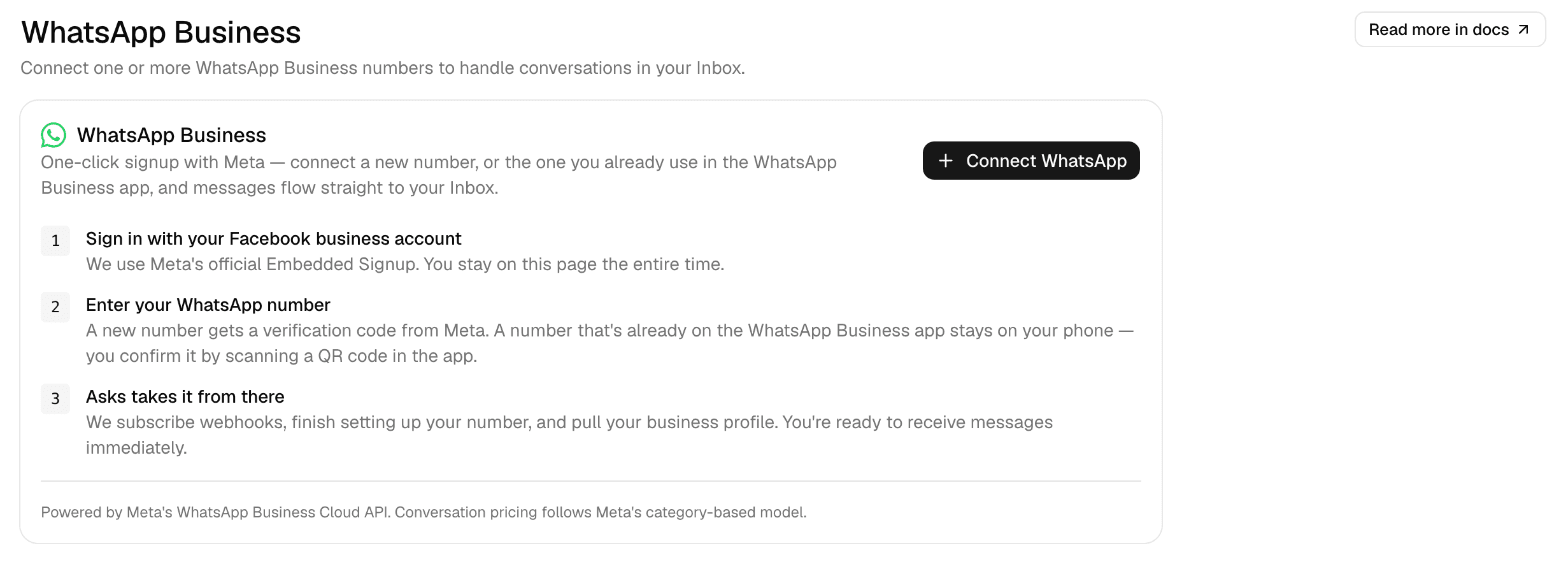
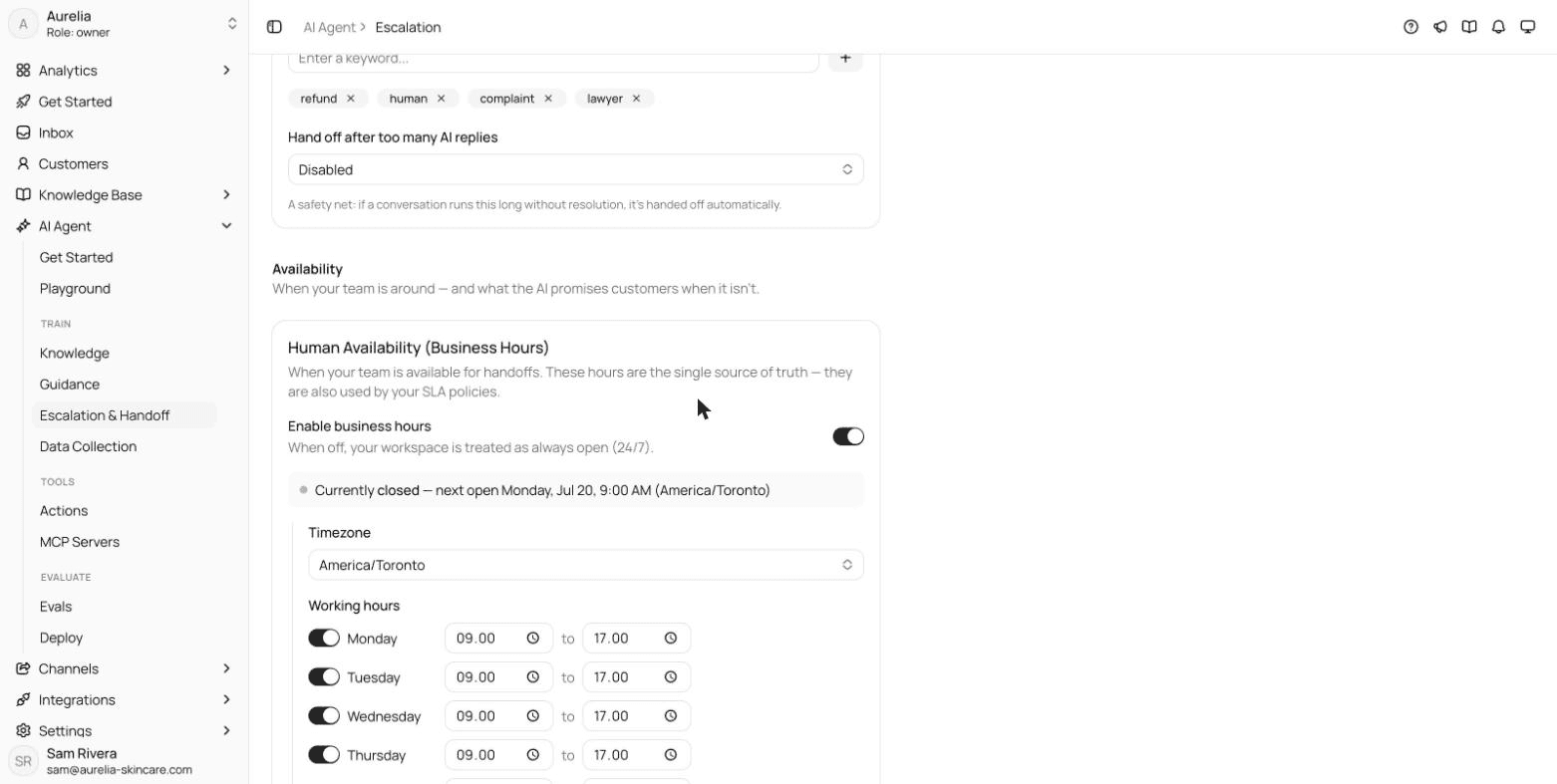
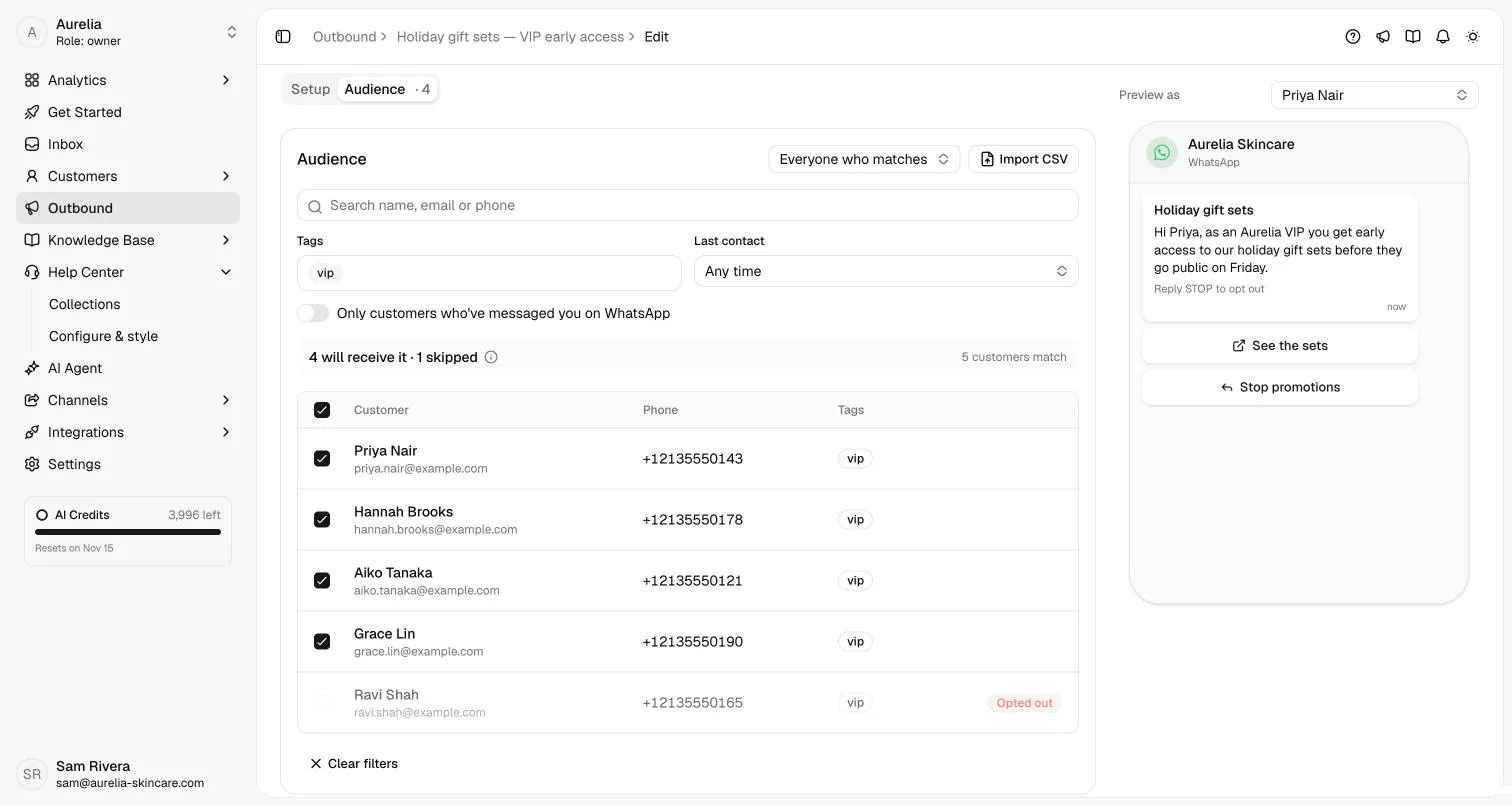
More on the WhatsApp AI agent and the shared inbox it answers in.
FAQ
Questions, answered.
01How do I make a QR code for WhatsApp?
Build your click-to-chat link (https://wa.me/ plus your full number in international format, optionally with a message), then encode that link as a QR code. The generator above does both and downloads the code as PNG or SVG.
02Can a WhatsApp QR code include a pre-filled message?
Yes. The message is part of the link, so the chat opens with it already typed; the customer can edit it before sending. Shorter messages make simpler codes: with no message, the example code is 25 × 25 modules instead of 37 × 37.
03Should I download PNG or SVG?
SVG for print: it is vector, so it stays sharp at any size. PNG for screens, slides and places that only take images.
04How big should I print a WhatsApp QR code?
Big enough that each module is comfortably visible to a phone camera at the distance people scan from. The tool shows the width at 0.5 mm per module, a rule of thumb for arm's length; the example needs about 23 mm. Go larger for posters, and test-print. More in printing tips.
05Does a WhatsApp QR code expire?
Not this kind: it encodes the link itself, so it works for as long as the number is on WhatsApp. Meta's managed QR codes for WhatsApp Business Platform numbers don't expire on their own either, but stop working if deleted.
06Can I change the message after printing?
Not with a code from this tool; a new message means a new code. Meta's managed QR codes for WhatsApp Business Platform numbers let you edit a pre-filled message of up to 140 characters without reprinting (Meta's docs).
07Is my number uploaded anywhere?
No. The code is drawn in your browser and the downloads are made on your device. Nothing is sent to Asks, stored or tracked.
Sources
Sources and how we made this page
Written by Ray, the pen name of Asks's founder. Codes are encoded with the open-source qrcode-generator library (MIT licence) and drawn in your browser. The 0.5 mm per module figure is our rule of thumb, not a standard. The screenshots are from Asks's demo workspace; see our editorial policy.
- WhatsApp Help Center, How to use click to chat (the wa.me link inside the code): faq.whatsapp.com/5913398998672934 · checked Nov 17, 2026
- DENSO WAVE (inventor of the QR code), Code size (four-module margin, module size): www.qrcode.com/en/howto/code.html · checked Nov 17, 2026
- Meta for Developers, QR codes and short links (Meta's managed WhatsApp QR codes): developers.facebook.com/documentation/business-messaging/whatsapp/qr-codes · checked Nov 17, 2026
Make every scan count
Asks answers WhatsApp chats from your own content at any hour and passes the ones that need a person to your team, in the same thread.
7-day free trial · card required · cancel anytime