Customer service templates
169 ready-to-copy customer service templates in four sets: canned responses for chat, support emails with subject lines, WhatsApp auto-replies and chatbot welcome messages. Every template says when to send it and how to make it sound like you, and none needs a sign-up.
By Ray, pen name of the Asks founderUpdated 4 sets
The template sets
- 76 templatesCanned responsesChat and email replies for orders, delays, refunds, billing, bugs, apologies, escalations and closing.First response and acknowledgmentOrder status and trackingShipping delays and delivery problemsReturns and refundsBilling and paymentsBrowse the templates
- 31 templatesCustomer service email templatesComplete emails with subject lines: delays, refunds, billing, outages, complaints and follow-ups.Acknowledgment and first responseOrders and deliveryReturns, refunds and exchangesBilling and subscriptionsTechnical issues and outagesBrowse the templates
- 36 templatesWhatsApp auto-reply messagesGreeting, away, after-hours and quick-reply messages, with Business app and API setup.Greeting messagesAway messagesQuick repliesFollow-ups and closingBrowse the templates
- 26 templatesChatbot welcome messagesOpening messages and conversation starters for website chat, by industry and by page.E-commerce and retailSaaS and softwareAgencies and professional servicesRestaurants, salons, clinics and studiosHotels and travelBrowse the templates
Which set do you need?
| Your situation | Use | Why |
|---|---|---|
| A customer is waiting in live chat or a messaging app | Canned responses | Short, complete replies you insert with a shortcut and personalize in seconds |
| You reply by email, or the message needs a subject line | Email templates | Full emails with a searchable subject, the answer up top and a clear next step |
| Customers message your business on WhatsApp, often after hours | WhatsApp auto-replies | Greeting, away and quick-reply messages, with setup for the Business app and the API |
| Visitors open the chat on your website | Chatbot welcome messages | Opening messages and clickable starters by industry and by page |
How to use a template without sounding like one
- Fill every placeholder. A leftover {first_name} is worse than no template at all.
- Add one line that's only for this customer. Mention the product, the date or the thing they said. It's the difference between a reply and a form letter.
- Cut what your team wouldn't say out loud. "We apologize for any inconvenience" included.
- Give a time, not "soon". Every template here asks for a real time or date. Keep it, and keep the promise.
- Review them every quarter. Policies, links and hours change; old templates quietly spread old facts.
Beyond templates
When templates stop being enough
Templates make your team faster at answering the same questions. They don't make the questions go away. When “where is my order?” and “what's your return policy?” fill most of the queue, an AI agent can answer them from your own help center and policies, on your website, by email and on WhatsApp, and hand everything else to your team with the conversation attached.
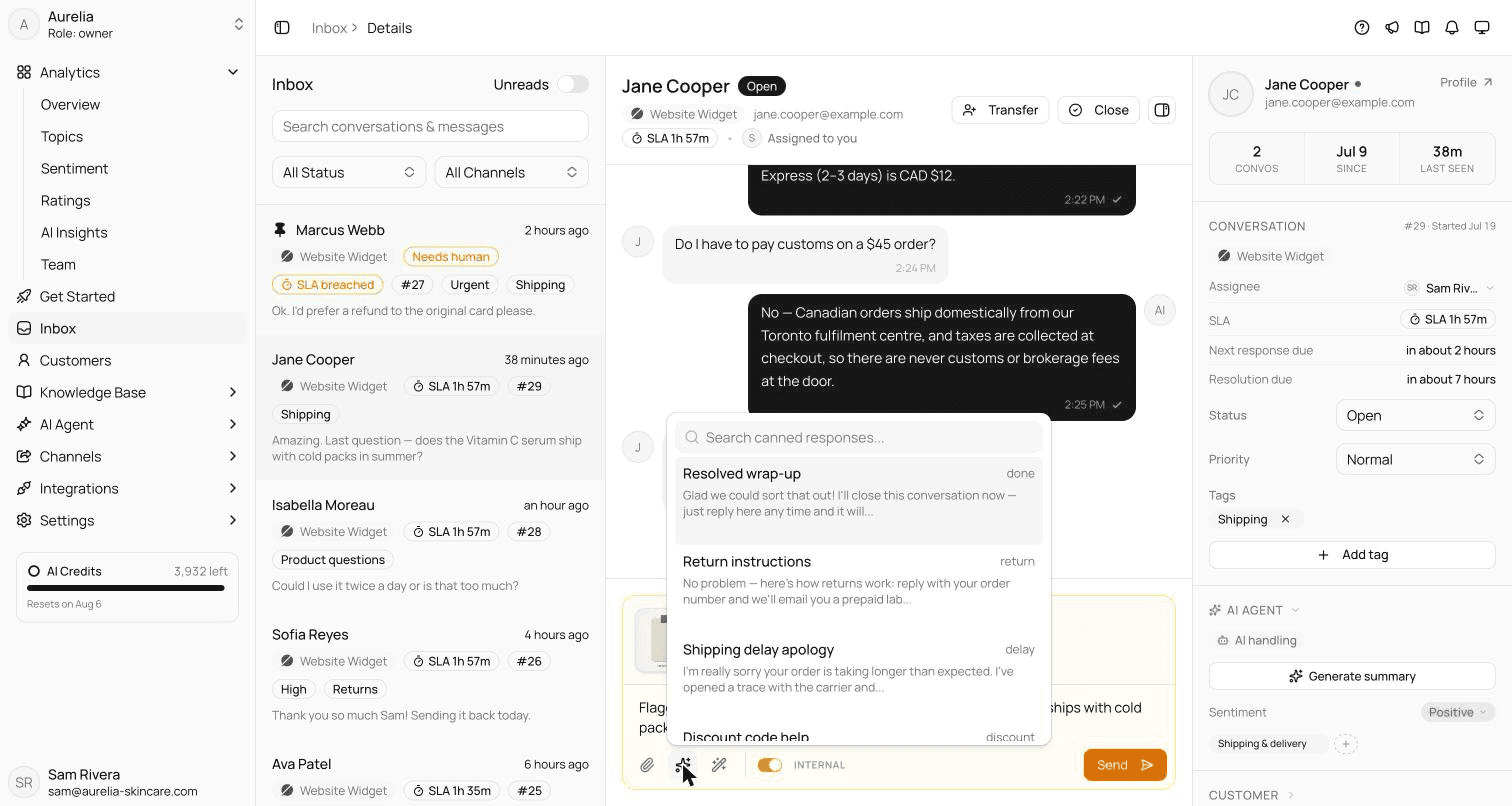
That's what Asks does. Your team keeps its canned responses for the conversations that need a person, in one shared inbox.
7-day free trial · card required · cancel anytime
FAQ
Questions, answered.
01Are these customer service templates free to use?
Yes. Copy them into any help desk, email client, chat tool or the WhatsApp Business app and edit them as you like. There's no sign-up and no attribution required.
02What's the difference between the four sets?
Canned responses are short replies for live chat and messaging. Email templates are complete messages with subject lines. WhatsApp auto-replies are greeting, away and quick-reply messages for WhatsApp Business. Chatbot welcome messages are the first message a website chat shows, with suggested questions.
03How do I make a template sound less robotic?
Fill in every placeholder, add one sentence that only applies to this customer, and cut any phrase your team wouldn't say out loud. Each template on these pages comes with a personalization tip.
04When should I use an AI agent instead of templates?
When the same questions make up most of your volume and the answers already exist in your help center or policies. An AI agent can answer those directly; templates stay useful for what your team handles: exceptions, complaints and sensitive cases.

Answer the repeat questions before anyone copies a template.
Asks learns your website and help center, answers customers on chat, email and messaging apps, and hands the rest to your team in one inbox.
7-day free trial · card required · cancel anytime
