Spotlight: an “Ask anything” bar in liquid glass
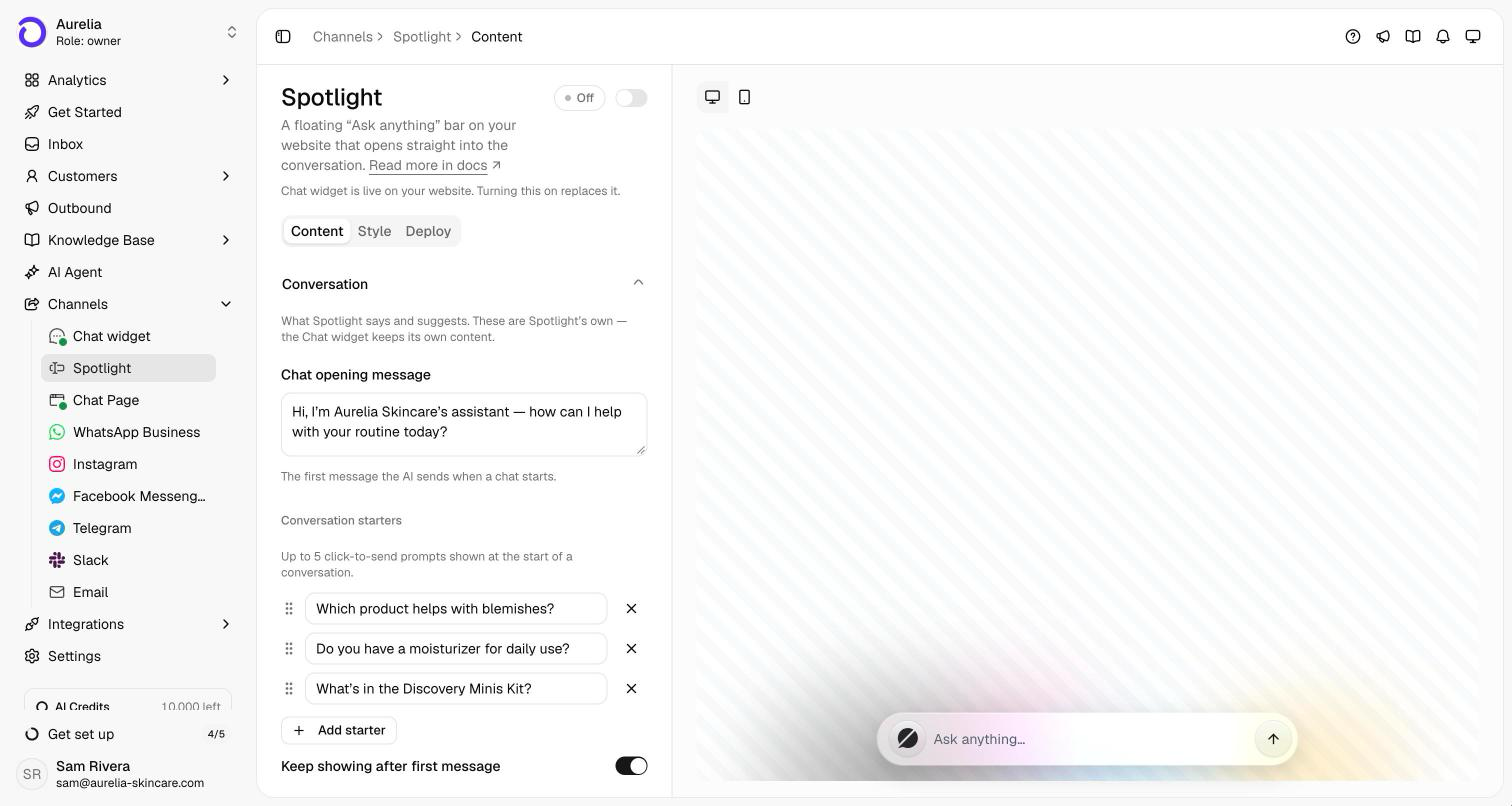
An alternative to the chat launcher: a floating “Ask anything” bar at the bottom of your site that opens straight into the conversation, in a frosted-glass window tinted by your brand color.
Spotlight replaces the launcher bubble in the corner with a floating “Ask anything” bar at the bottom center of your page. Visitors type right into it, press Enter, and the bar rises into a chat window with their question already sent and the answer streaming in. There's no home screen or menu to get through first.
The window is liquid glass: a frosted, translucent card tinted by your primary color, with replies as clean text on the glass instead of chat bubbles. Turn it on at Channels → Spotlight. It runs from the same embed snippet as the Chat widget and replaces it on your site, so there's nothing new to install.
One bar, straight into a conversation
The Chat widget is built for browsing: a launcher bubble that opens a home screen with articles, news and past conversations. Spotlight is built for asking. The bar sits at the bottom center of your page, the visitor types their question into it, and the bar rises into a focused chat window with that question as the first message. A button in the header expands it to a larger window, and on phones it fills the screen. When the visitor closes it (with Escape, or by clicking anywhere else on the page), the bar comes back.
Dressed in liquid glass
The Spotlight window doesn't use the Chat widget's theme. It's frosted glass: your primary color tints the whole card, agent replies render as plain text on the glass instead of bubbles, and the visitor's messages, quick replies and buttons share one translucent material. On the Style tab, Composer color sets the bar to Light or Dark to suit your page. If a Light bar lands on a dark page, it switches itself to dark so it never washes out.
Turn it on
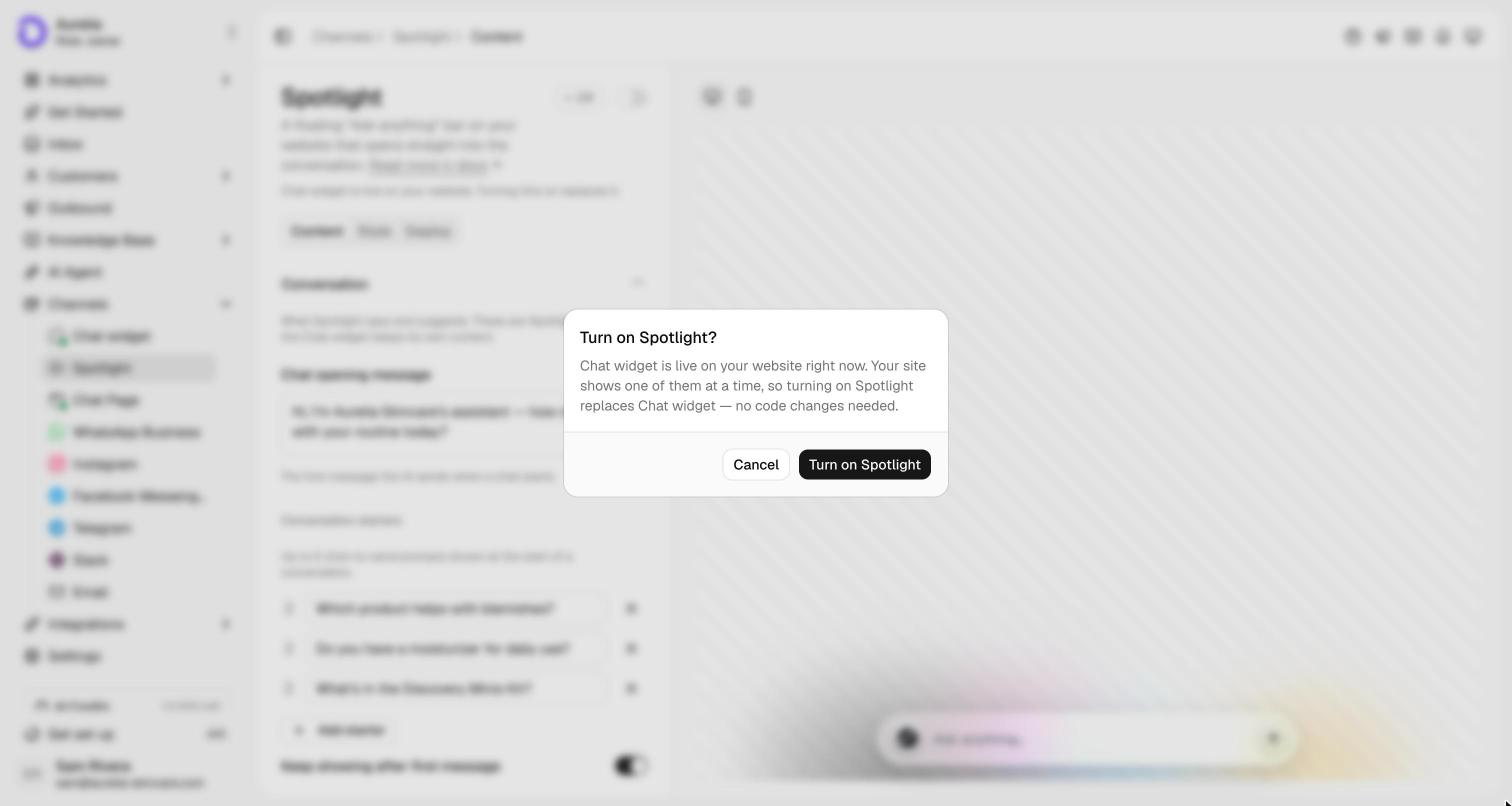
Go to Channels → Spotlight. On the Content tab, write what Spotlight says: its opening message, up to five conversation starters, and the bar's placeholder text. Spotlight starts with a copy of your Chat widget's text; once you save, the two are independent. Then switch the toggle in the page header to Live.
See what's new in your workspace
Everything on this page is live today. Asks trains on your website and resolves customer conversations on every channel — free to try, live in minutes.