Chat widget, Spotlight and Chat Page are now separate channels
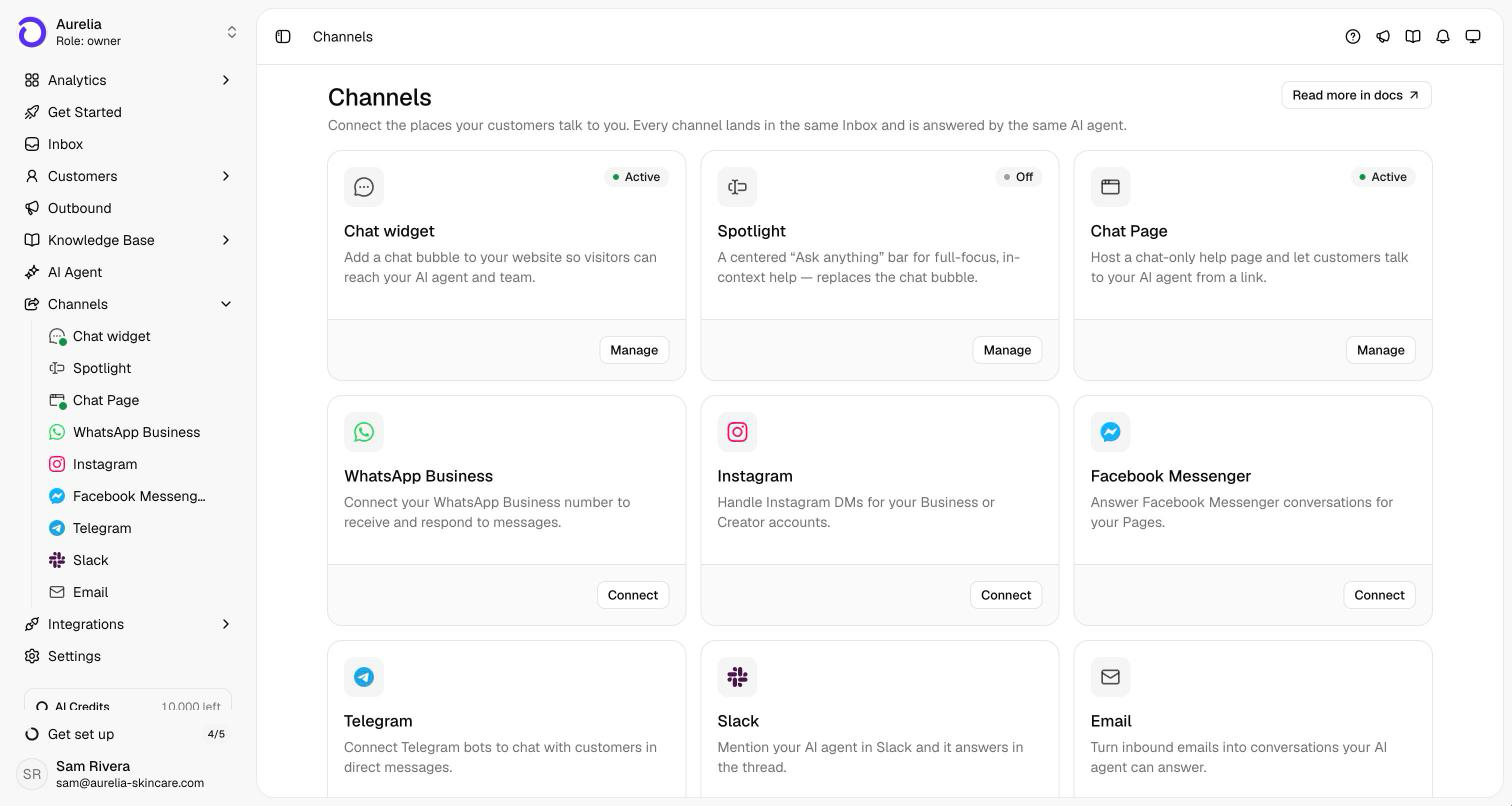
Each way to chat on the web now has its own page under Channels, with its own content and its own Live switch: the Chat widget in the corner, the Spotlight bar, and a hosted Chat Page you share as a link.
Your website surfaces used to share one settings page, with Spotlight as a mode of the widget. Each is now its own channel under Channels: the Chat widget (the launcher in the corner), Spotlight (the “Ask anything” bar) and the Chat Page (a hosted page at app.asks.app/c/your-slug). Each has its own opening message, conversation starters and wording, and its own Live switch in the page header.
The Chat widget and Spotlight share one embed snippet, so your site shows one or the other and switching needs no code change. The Chat Page is independent: it can stay live alongside either one, or on its own if you don't have a website. Your brand settings, like primary color and logo, apply to all three.
Three channels, one embed snippet
The Chat widget and Spotlight run from the same embed snippet (or the Asks app embed in your Shopify theme), so your site shows one of them at a time. Turning Spotlight on while the Chat widget is live asks you to confirm, then swaps them on your site without a code change. The other way round works the same. Each page header shows whether that channel is Live or Off, and the Channels page shows all of them at a glance.
The Chat Page, no website needed
The Chat Page is a hosted page at app.asks.app/c/your-slug where customers chat with your agent and your team. Put the link in a social bio, an email signature or a QR code. On its Content tab you set the welcome heading, conversation starters, up to three sidebar buttons and up to four link cards (your returns policy, your store, your FAQ). The Share tab has the link. It keeps its own on/off switch, so it can stay live whether or not the widget is on your site.
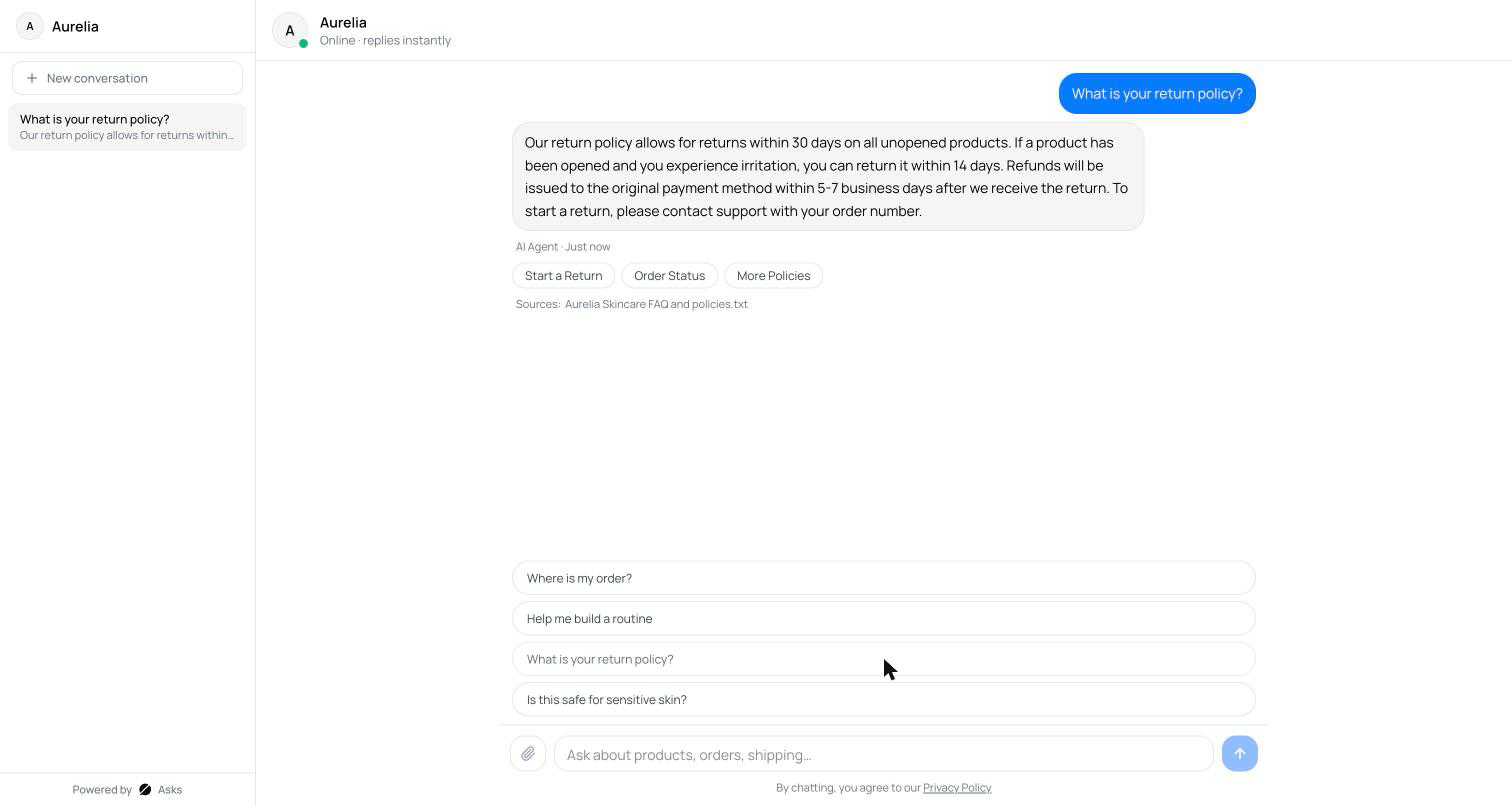
Where your settings live now
- What each channel says (opening message, conversation starters, placeholder text) is on that channel's own Content tab.
- Your brand (primary color, logo, roundness, text size) is on any of the three Style tabs and applies to all of them.
- Behavior (file uploads, typing indicator, auto-open, languages) stays on the Chat widget's Behavior tab.
See what's new in your workspace
Everything on this page is live today. Asks trains on your website and resolves customer conversations on every channel — free to try, live in minutes.