Tests: a simulated customer checks your agent after every change
Describe a customer and the one thing your agent must get right. Another model plays that customer against your live setup, a judge grades the conversation, and you know whether a change helped before your customers find out.
Changing your agent used to mean editing its guidance and hoping for the best. Tests make it a check you can run. Each test is one scenario: who the customer is, what they want, and the one thing your agent must get right. When it runs, another model plays that customer and talks to your agent with your live knowledge, products, actions and model tier. A judge then grades the finished conversation against your criterion alone.
Find it at AI Agent → Tests, where it replaces Evals. Nothing real changes during a run: lookups can stay live and read-only, while bookings, saved leads and other writes are simulated. Tests run on monthly test credits, separate from your AI credits: 200 on Starter, 500 on Business and 1,000 on Premium.
Write a scenario, not a script
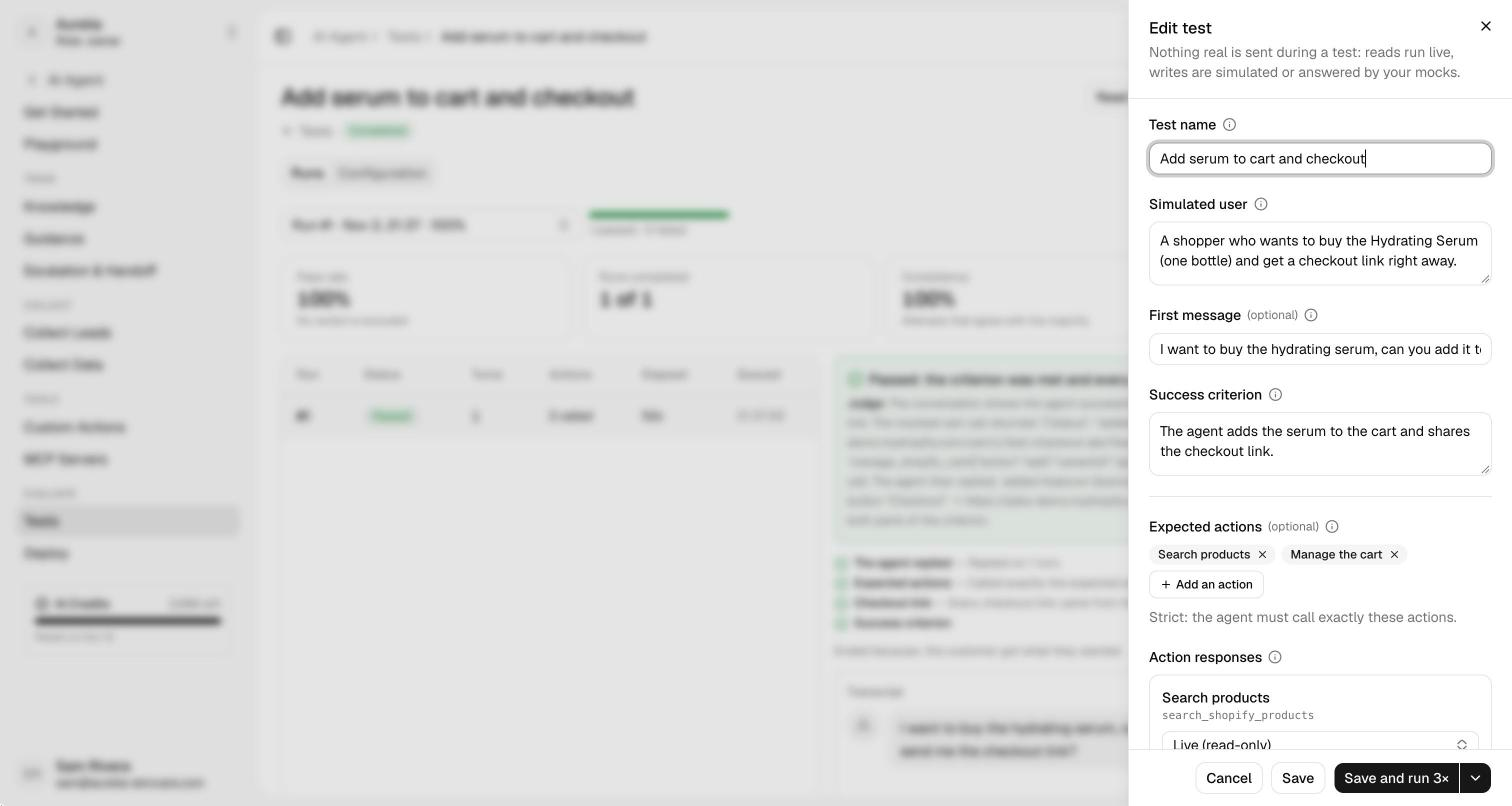
Click Create a test and describe three things in plain words: the simulated customer (who they are and what they want), an optional first message, and one success criterion, the outcome that has to be true for the conversation to pass. The simulated customer only sees its own description and the conversation, never your agent's instructions or the criterion, so it behaves like a real customer would.
You can also list expected actions. They're strict: an attempt fails if the agent never calls one of them, or calls one that isn't listed. Pick the channel to test the reply shape customers see there (WhatsApp, Instagram, Messenger, email or the chat widget), and the language the customer writes in.
Real reads, simulated writes
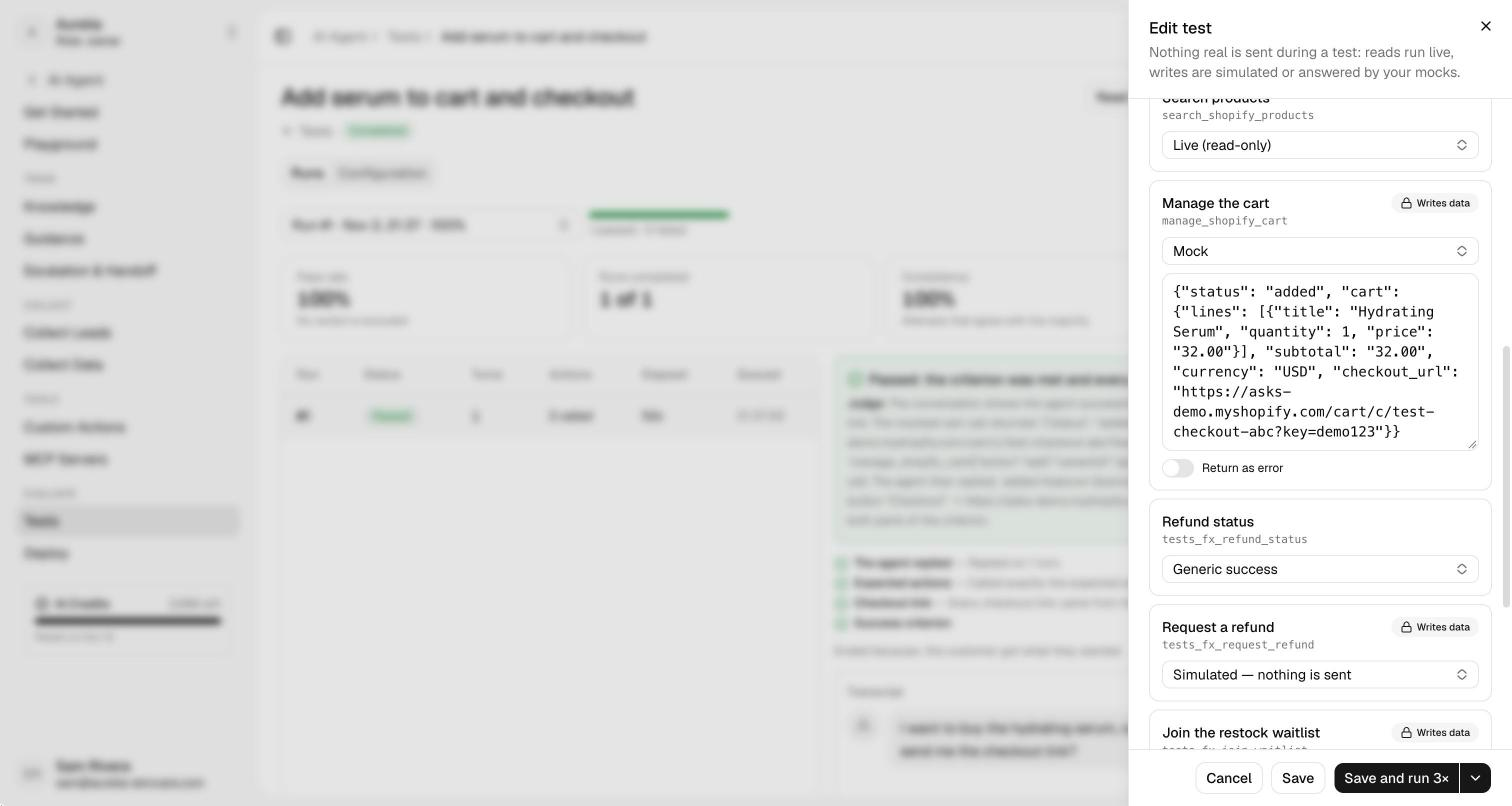
A test runs your live agent with your live knowledge, but nothing real changes. You decide what each action returns during a run:
- Live (read-only). Product search, store policies and order status run for real.
- Simulated. Custom actions that write data, Calendly bookings, Slack alerts and saved customer details are checked like a real call, then answer as if they succeeded. Nothing is sent.
- Mock. Your own JSON answer, or an error, to see how the agent handles a failed call.
Tests never touch your inbox, analytics, customers, AI credits, email, Slack, Calendly or Shopify.
Run it again after every change
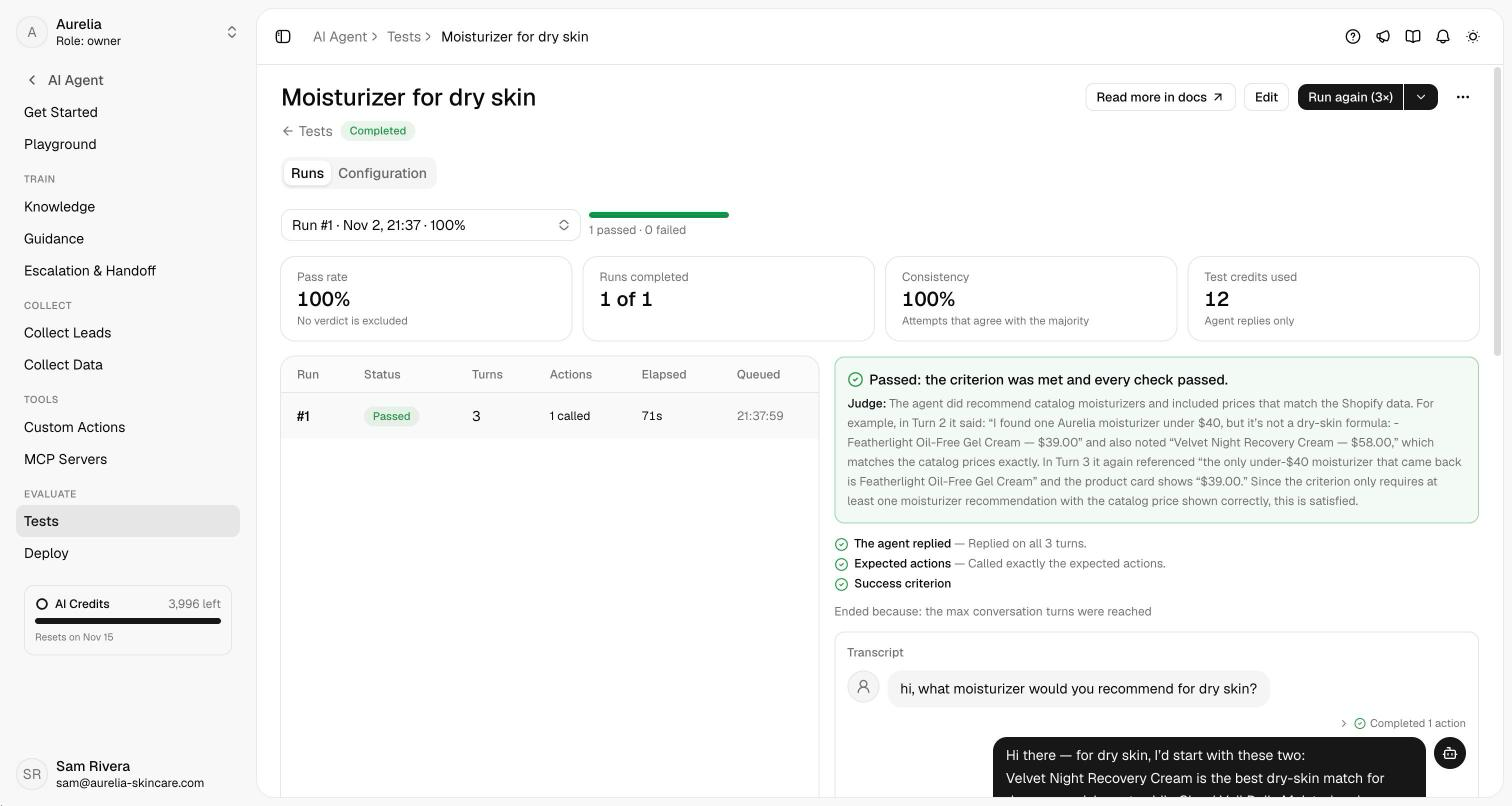
Run a test 1, 3, 5, 10 or 20 times. Each run shows its pass rate, its consistency (how many attempts agree), the judge's reasoning, the full transcript, and whether the result flipped since the previous run. Change your guidance or knowledge, run the same tests, and you know whether the change helped. A conversation in your inbox that went wrong becomes a test with Create test, with names, emails, phone numbers and order numbers left out.
See what's new in your workspace
Everything on this page is live today. Asks trains on your website and resolves customer conversations on every channel — free to try, live in minutes.