Email, Slack and Telegram are live
Three more channels for the same agent and the same inbox: answer your support address in the customer's own email thread, bring the agent and your inbox into Slack, and answer Telegram messages through your own bot.
Your agent now answers on three more channels, each connected from Channels in your dashboard. Email turns the address customers already write to into a channel with one forwarding rule, and replies land in the customer's original thread. Slack brings the agent into your Slack workspace for mentions and direct messages, and lets your team work customer conversations from Slack threads. Telegram connects a bot you create in @BotFather, and the agent answers its direct messages.
As with every channel, conversations land in the same inbox, the agent answers from the same knowledge, and your team can take over at any time. All three are included on every plan, Free included.
Email: keep your address, add one forwarding rule
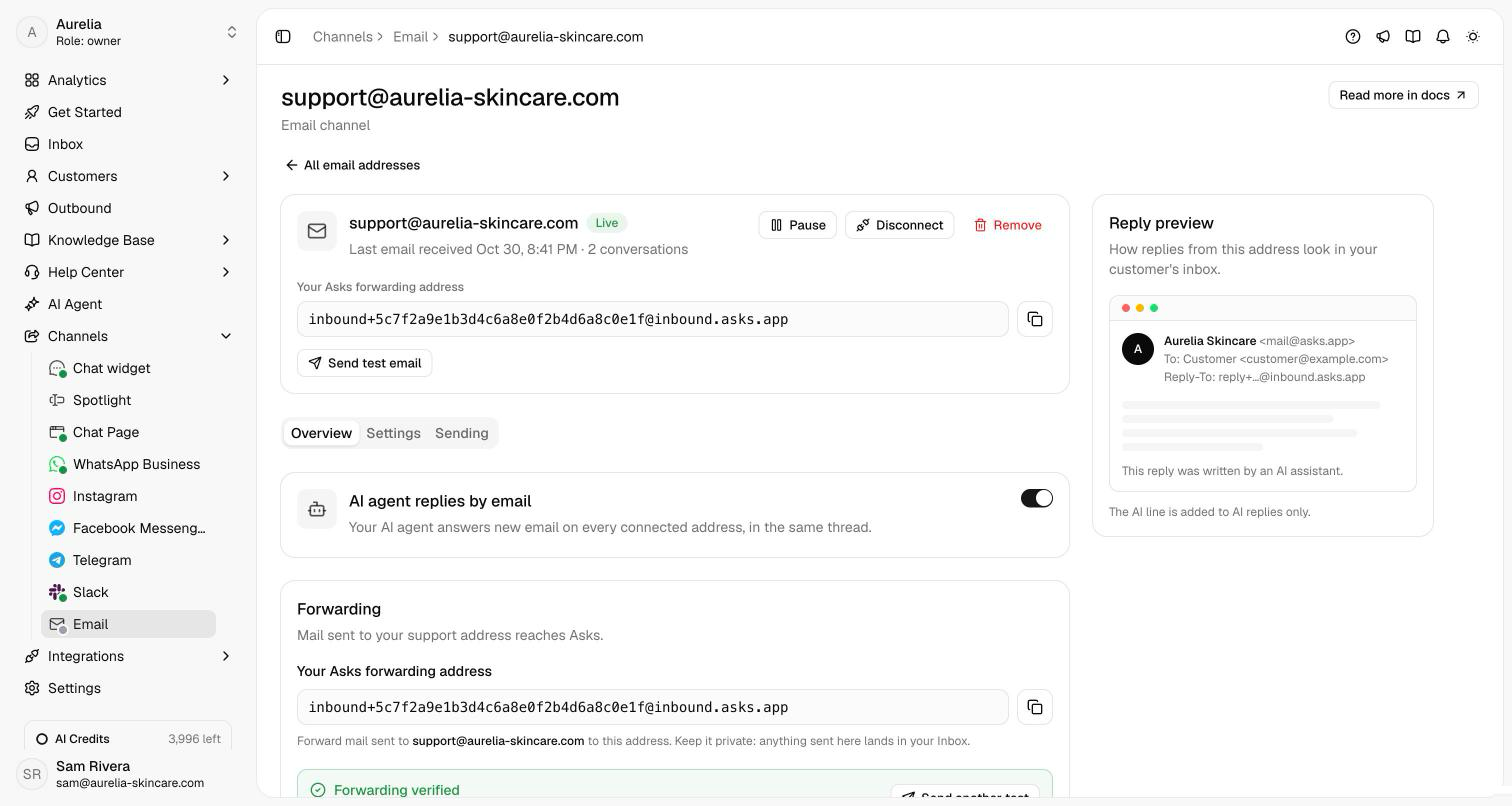
Add the address customers already write to, like support@yourstore.com, at Channels → Email, then forward it to the address Asks gives you. Asks sends a test email to confirm the forward works, with step-by-step guides for Gmail, Google Workspace, Microsoft 365 and Outlook. You keep your address and your mail provider, and you can connect several, like support@ and orders@.
- Replies stay in the customer's thread in any mail client, with everyone else on the thread in Cc.
- The agent reads what's new: the latest message without the quoted history, plus attached images and PDFs, and replies in the customer's language.
- No reply window. Unlike messaging apps, you can answer an email at any time.
Slack: the agent in your channels, your inbox in threads
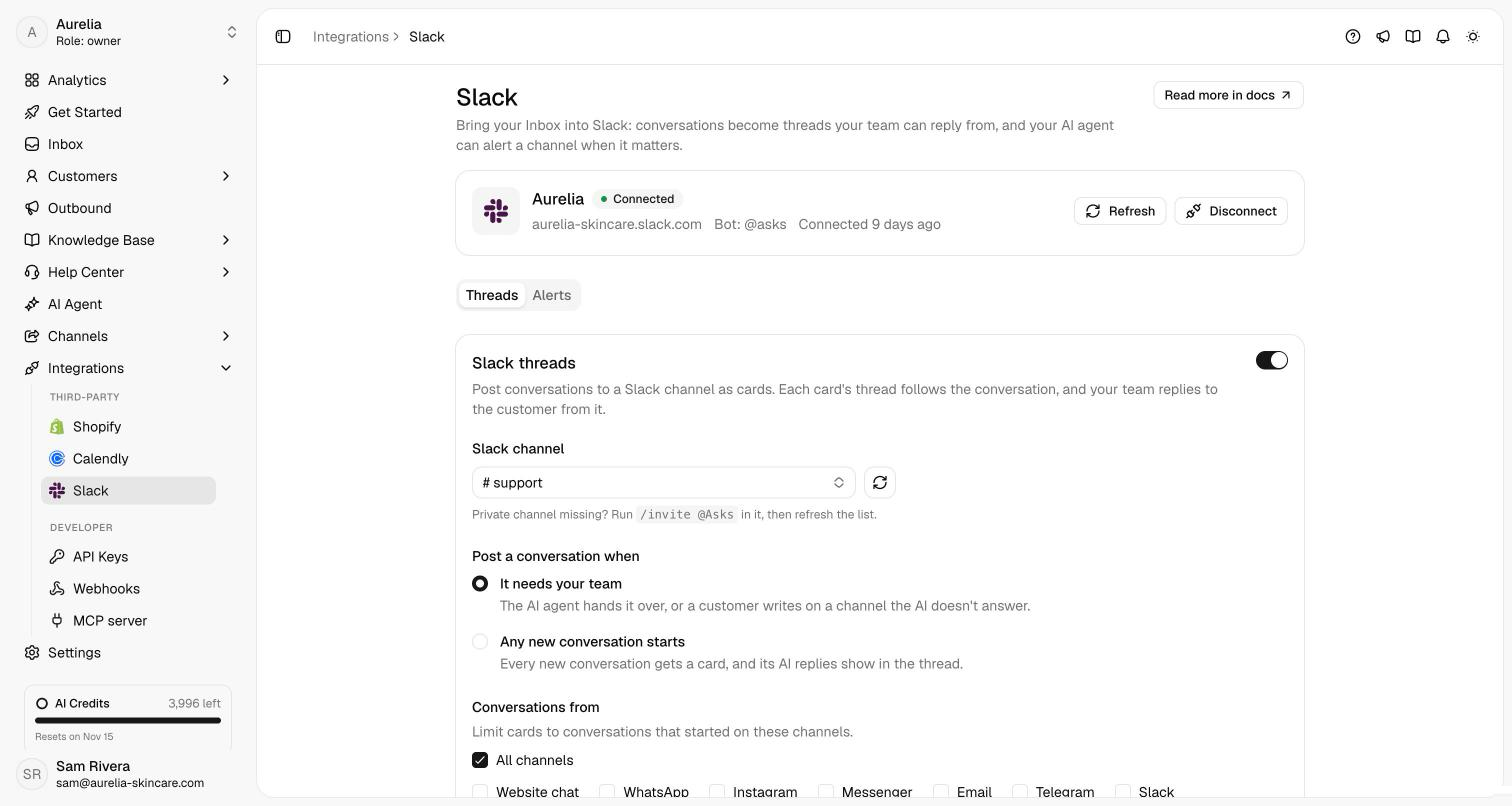
Click Add to Slack once and you get three things. @mention Asks in a channel, or message it directly, and your agent answers in the thread. With Slack threads, conversations from any channel are posted to a Slack channel as cards, and your team replies to the customer from the card's thread. Write internal: to leave a note instead, or mention @Asks to get a suggested reply first. Alerts post to a channel when a customer brings up a topic you care about, like a refund or a damaged item, without taking the conversation away from the agent.
Telegram: your bot, answered
Create a bot in Telegram's @BotFather, paste its token at Channels → Telegram, and Asks registers it. There's nothing to host. The agent answers direct messages with link buttons, product cards and quick replies, transcribes voice notes, and can ask for a phone number with Telegram's one-tap share button. Share the bot with its link or a QR code, and tag the link (for example, instagram_bio) to see in the inbox where each chat started.

See what's new in your workspace
Everything on this page is live today. Asks trains on your website and resolves customer conversations on every channel — free to try, live in minutes.