Wix install
Add an AI chatbot to your Wix site.
To add the Asks AI chatbot to Wix, copy your widget snippet from Asks, then in Wix go to Settings → Custom Code, add it to all pages with the placement Body - end, and apply. The agent answers visitors on every page from your site’s own content.
7-day free trial · card required · cancel anytime
Updated By Ray, founder of AsksProduct facts checked against Asks on
Install
Three steps, about five minutes.
- 1
Copy your snippet from Asks
In Asks, open Channels → Chat widget → Deploy and copy the snippet. It already contains your widget key and looks like<script src="https://cdn.asks.app/embed.js" data-widget-key="…" async></script>. - 2
Add it in Wix Custom Code
In your Wix dashboard, open Settings → Development & integrations → Custom Code and select + Add Custom Code. Paste the snippet, name it (for example “Asks chat”), choose All pages, set Place Code in to Body - end, and select Apply. - 3
Check that it’s live
Open your site in a new tab. The Deploy tab’s Installation status turns green when Asks detects the widget, and a test message shows up in your inbox.
Wix requirement: Wix asks that your site is published and has a connected domain before you add custom code.
Step-by-step screenshots of the Wix side are in the Wix install guide. The same snippet shows Spotlight, the “Ask anything” bar, if that is your live on-site channel, so you never paste twice.
Sources
- Wix Help Center: Embedding custom code on your site (checked Nov 2026)
After install
Style it in Asks, answer from one inbox.
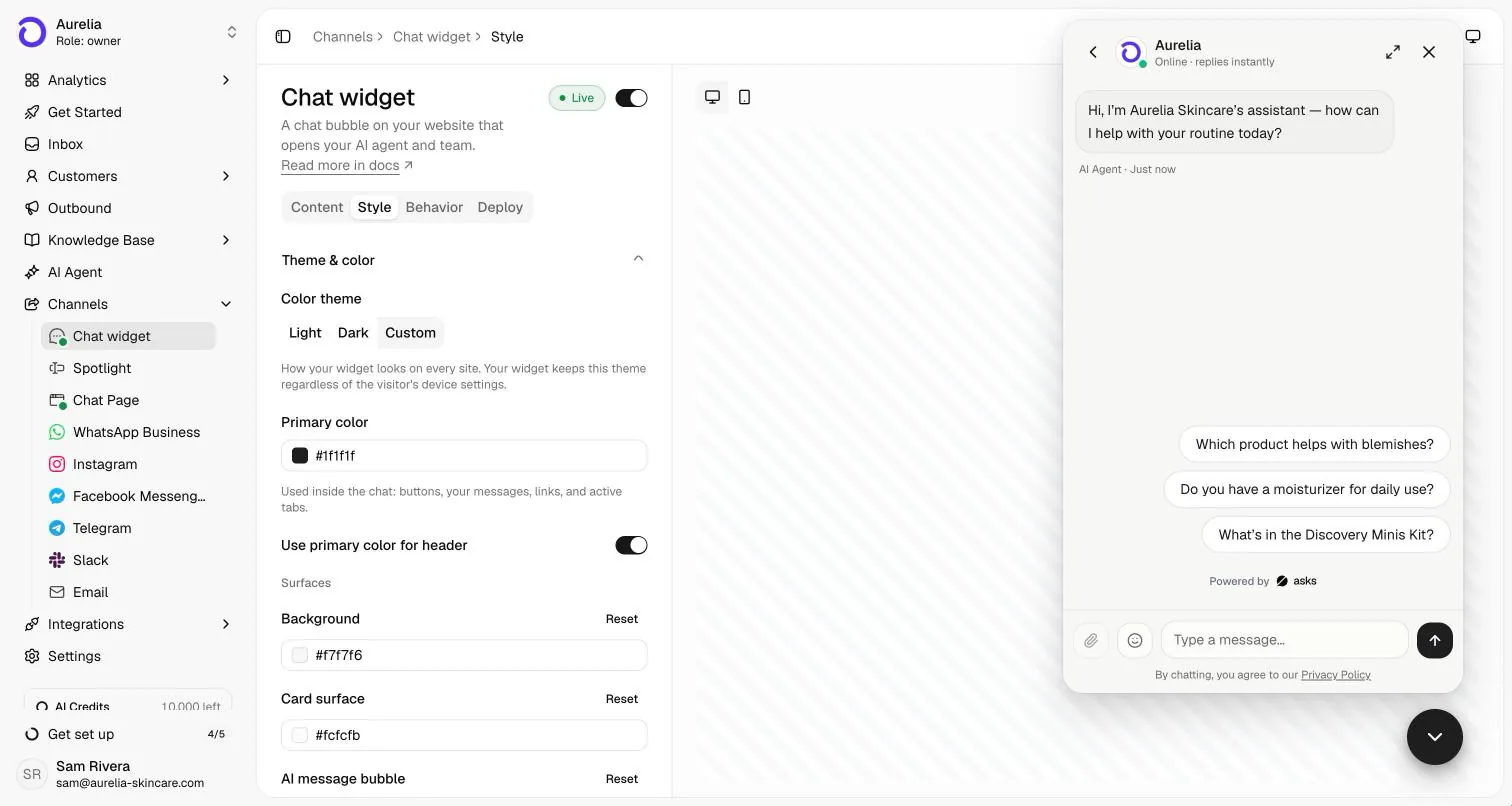
Colors, launcher and greeting live in Asks, so you change them without editing your site again.
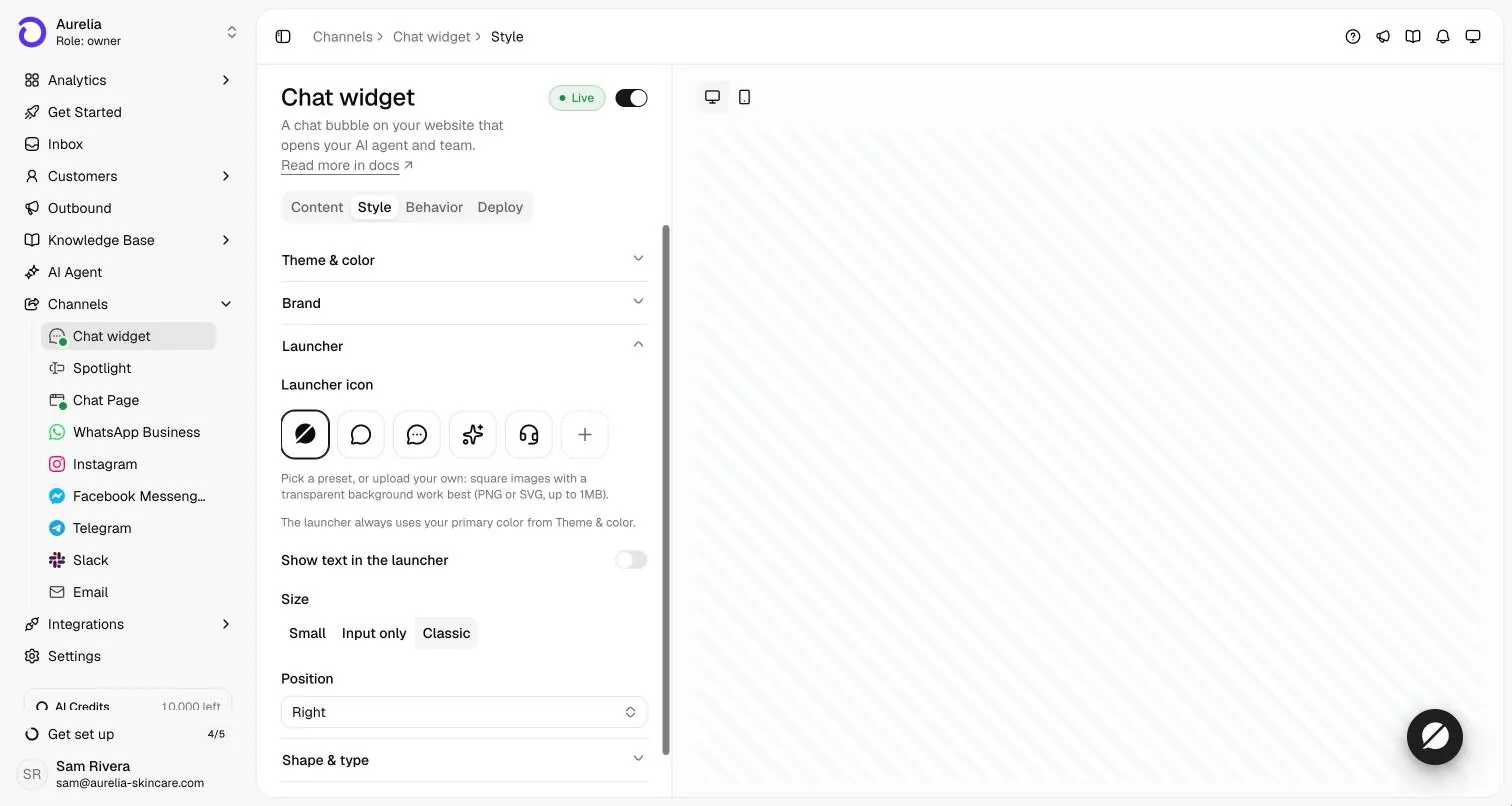
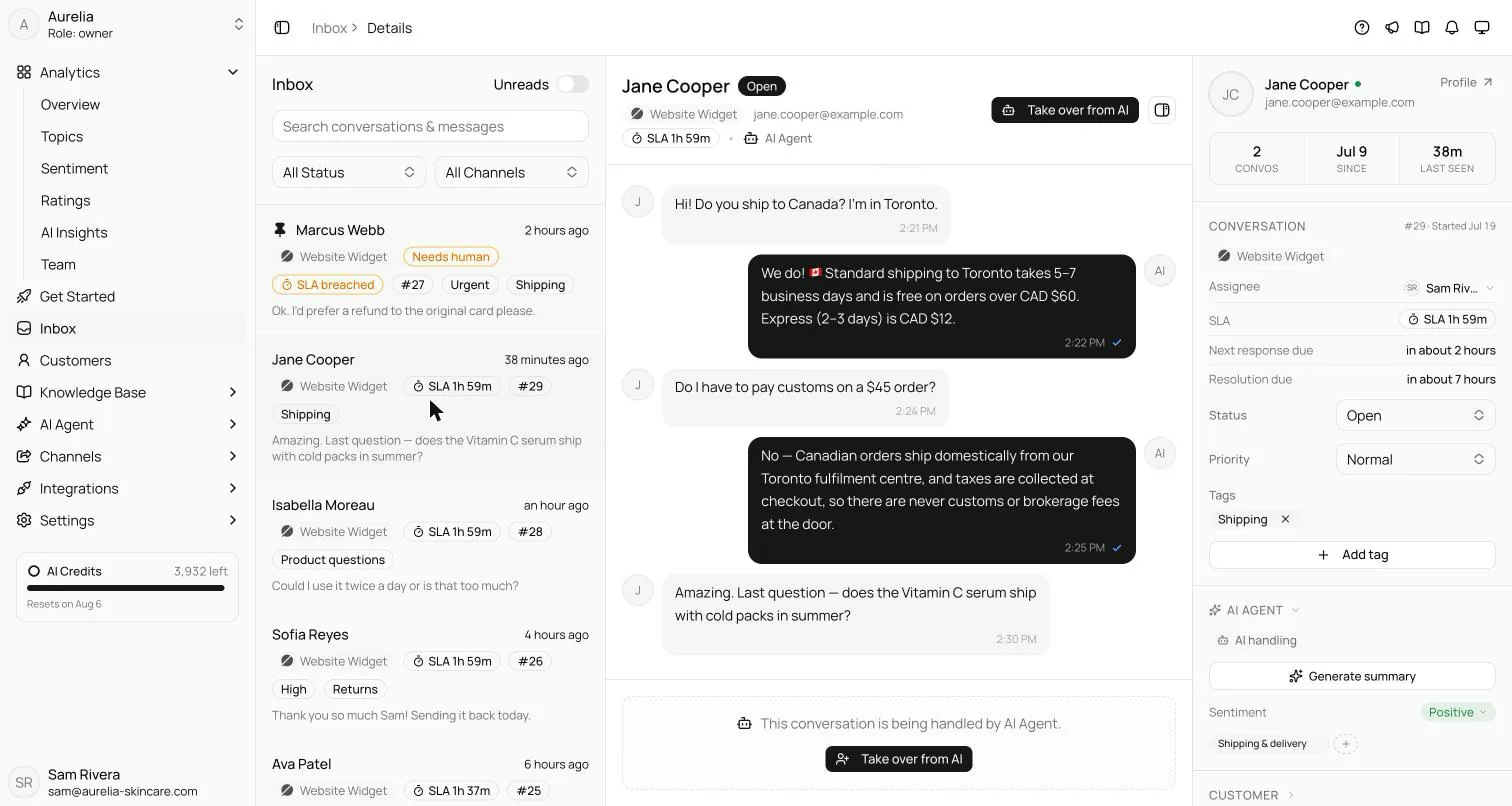
What the agent does once it’s on your pages is covered in AI chatbot for your website. For the bigger picture (staffing, live chat versus AI, what to measure), read how to add live chat to your website and how to train an AI chatbot on your own data.
FAQ
Questions, answered.
01How do I add an AI chatbot to my Wix site?
Copy your widget snippet from Asks (Channels → Chat widget → Deploy) and add it to every page of your Wix site, then publish. The full walkthrough is in our Wix install guide on docs.asks.app.
02Why doesn’t the chat show in the Wix editor?
Custom code runs on your published site, not in the editor. Open the live site in a new tab to check; the Deploy tab in Asks shows when the widget is detected.
03Will the chatbot slow my site down?
The snippet loads one script asynchronously, so it doesn’t block your page from rendering.
04How does the chatbot know about my business?
When you sign up, you paste your website URL and Asks reads your pages to train the agent. You can add documents, help-center articles and Q&A, and the agent answers from that content; when it can’t support an answer, it hands the conversation to your team.

Live on Wix before dinner.
Paste your URL, let the agent learn your site, copy one snippet into your site, and watch the first questions get answered.
7-day free trial · card required · cancel anytime
