Squarespace install
Add an AI chatbot to your Squarespace site.
To add the Asks AI chatbot to Squarespace, copy your widget snippet from Asks, open Code Injection, paste it into the Footer field and save. Squarespace injects it before the closing </body> tag on every page, and the agent answers visitors from your site’s own content.
7-day free trial · card required · cancel anytime
Updated By Ray, founder of AsksProduct facts checked against Asks on
Install
Three steps, about five minutes.
- 1
Copy your snippet from Asks
In Asks, open Channels → Chat widget → Deploy and copy the snippet. It already contains your widget key and looks like<script src="https://cdn.asks.app/embed.js" data-widget-key="…" async></script>. - 2
Paste it into Code Injection → Footer
Open the Code Injection panel (Squarespace has moved it between menus over the years; its help article links straight to it), paste the snippet into the Footer field and save. - 3
Check that it’s live
Open your site in a new tab. The Deploy tab’s Installation status turns green when Asks detects the widget, and a test message shows up in your inbox.
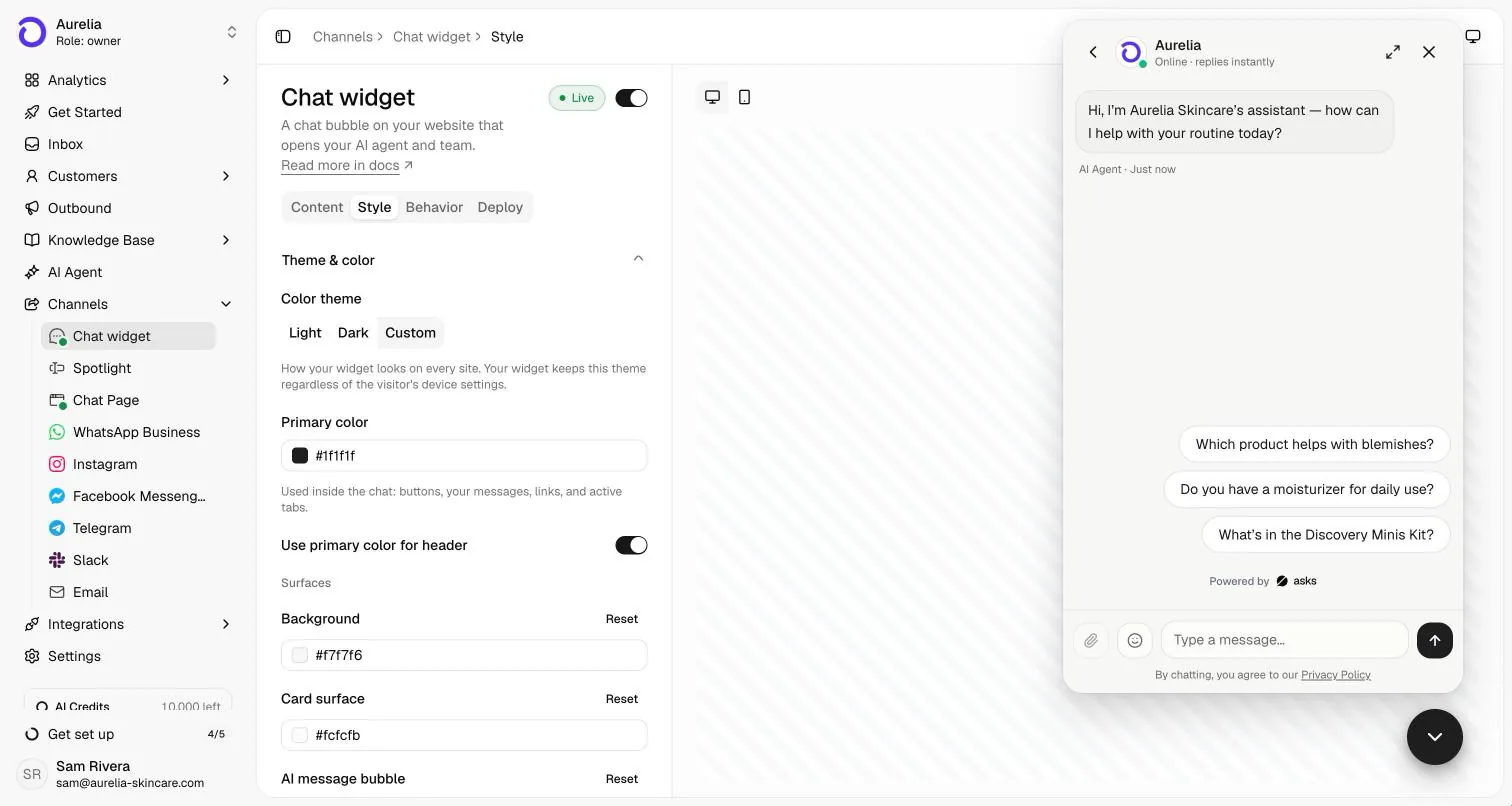
Squarespace requirement: Squarespace says code injection is available in the Core, Plus, Advanced and some legacy billing plans.
Step-by-step screenshots of the Squarespace side are in the Squarespace install guide. The same snippet shows Spotlight, the “Ask anything” bar, if that is your live on-site channel, so you never paste twice.
Sources
- Squarespace Help Center: Using code injection (checked Nov 2026)
After install
Style it in Asks, answer from one inbox.
Colors, launcher and greeting live in Asks, so you change them without editing your site again.
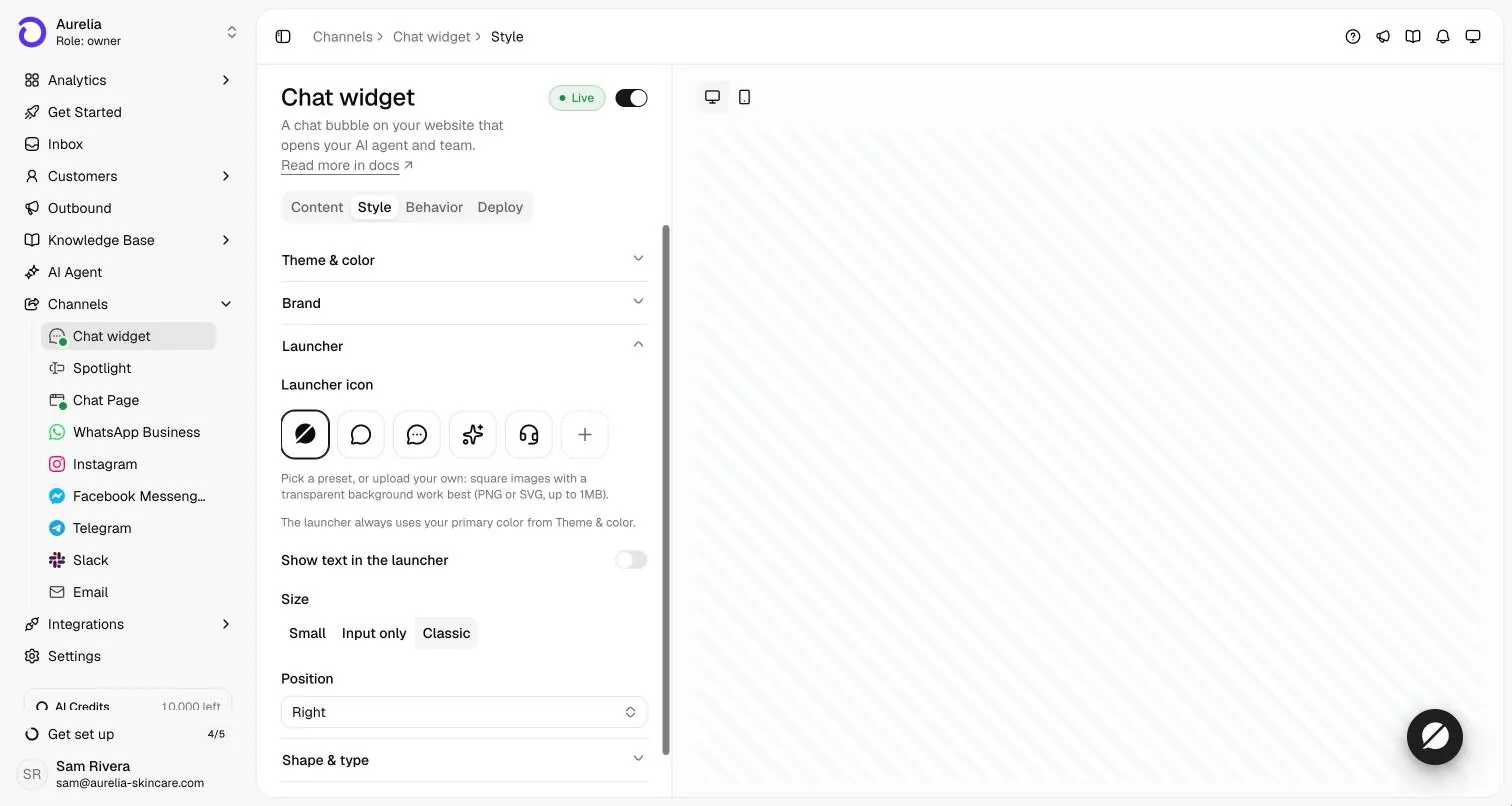
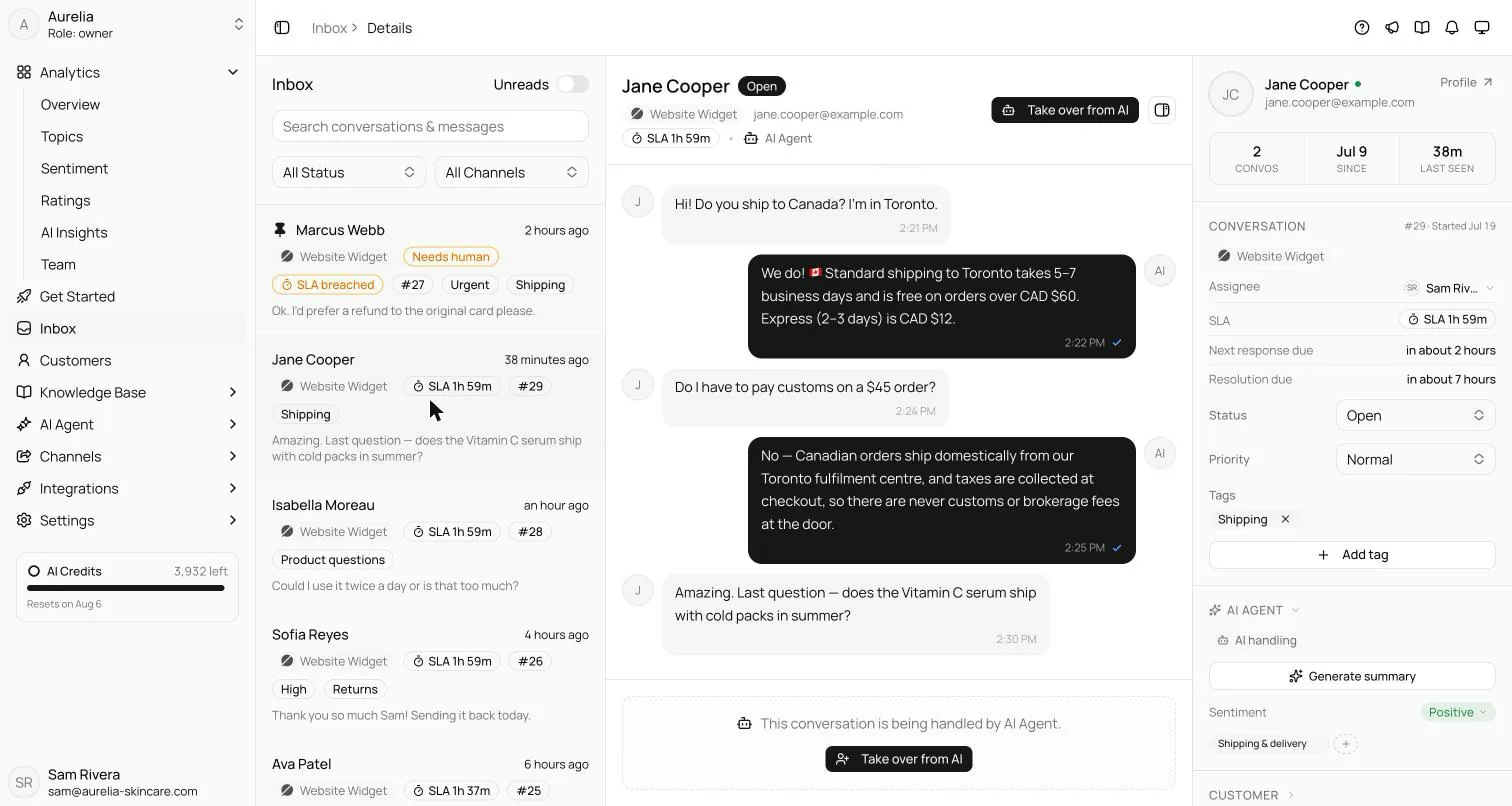
What the agent does once it’s on your pages is covered in AI chatbot for your website. For the bigger picture (staffing, live chat versus AI, what to measure), read how to add live chat to your website and how to train an AI chatbot on your own data.
FAQ
Questions, answered.
01How do I add an AI chatbot to my Squarespace site?
Copy your widget snippet from Asks (Channels → Chat widget → Deploy) and add it to every page of your Squarespace site, then publish. The full walkthrough is in our Squarespace install guide on docs.asks.app.
02Does it work with every Squarespace template?
The snippet goes in the site-wide Footer field, which Squarespace injects on every page whatever the template. If you can’t see the chat, check that your plan includes code injection and that the widget shows Live in Asks.
03Will the chatbot slow my site down?
The snippet loads one script asynchronously, so it doesn’t block your page from rendering.
04How does the chatbot know about my business?
When you sign up, you paste your website URL and Asks reads your pages to train the agent. You can add documents, help-center articles and Q&A, and the agent answers from that content; when it can’t support an answer, it hands the conversation to your team.

Live on Squarespace before dinner.
Paste your URL, let the agent learn your site, copy one snippet into your site, and watch the first questions get answered.
7-day free trial · card required · cancel anytime
