Shopify merchants: one click, no signup
Connect to Asks from Shopify admin and you're signed straight into your workspace — no separate account, no password, no picker unless it's genuinely ambiguous.
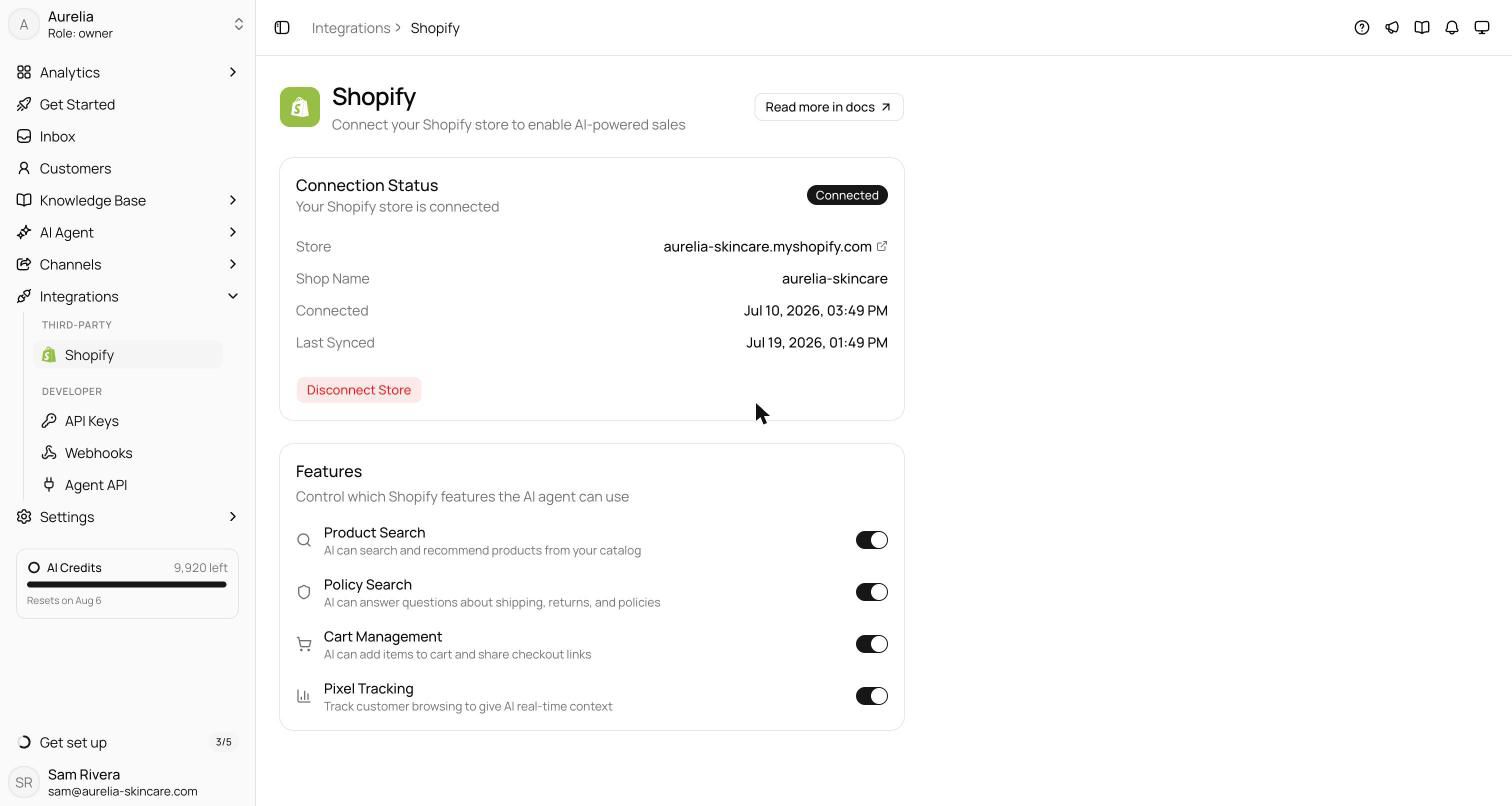
Installing Asks from the Shopify App Store used to end at a signup form. Now it ends in your workspace. Click Connect to Asksinside Shopify admin and — if your Shopify email is verified — you're signed in directly: no second account, no password to invent, and Asks picks the right workspace on its own when the store is already connected.
Security didn't bend for the convenience: unverified emails still sign in classically once (then the link is permanent), and two-factor prompts appear inline instead of bouncing you to a login page. The embedded app home now live-updates from Connect to Connected to Live without a refresh.
From App Store to workspace in one click
Install Asks from the Shopify App Store, open it in your admin, and the Connect to Asks button takes you straight into your workspace on app.asks.app. When your Shopify email is verified, there is no signup form, no password to invent, and no second account to remember — Shopify vouches for you, and Asks listens.
- If the store is already connected, you land in its workspace automatically.
- If you have exactly one eligible workspace, it connects there — only genuinely ambiguous cases show a picker.
- The embedded app home follows along live: Connect → Connected → Live, no refresh needed.
Convenience without shortcuts
The quick path never bends security. Auto sign-in only happens when Shopify reports the email as verified; unverified addresses go through one classic login, after which the link is permanent. And if your account has two-factor authentication, the challenge appears inline — it is never skipped.
See what's new in your workspace
Everything on this page is live today. Asks trains on your website and resolves customer conversations on every channel — free to try, live in minutes.