Paste your link, meet your agent
The new onboarding builds your agent for you: paste your website, Asks learns it, matches your brand, and drops you into a live playground — usually in under two minutes.
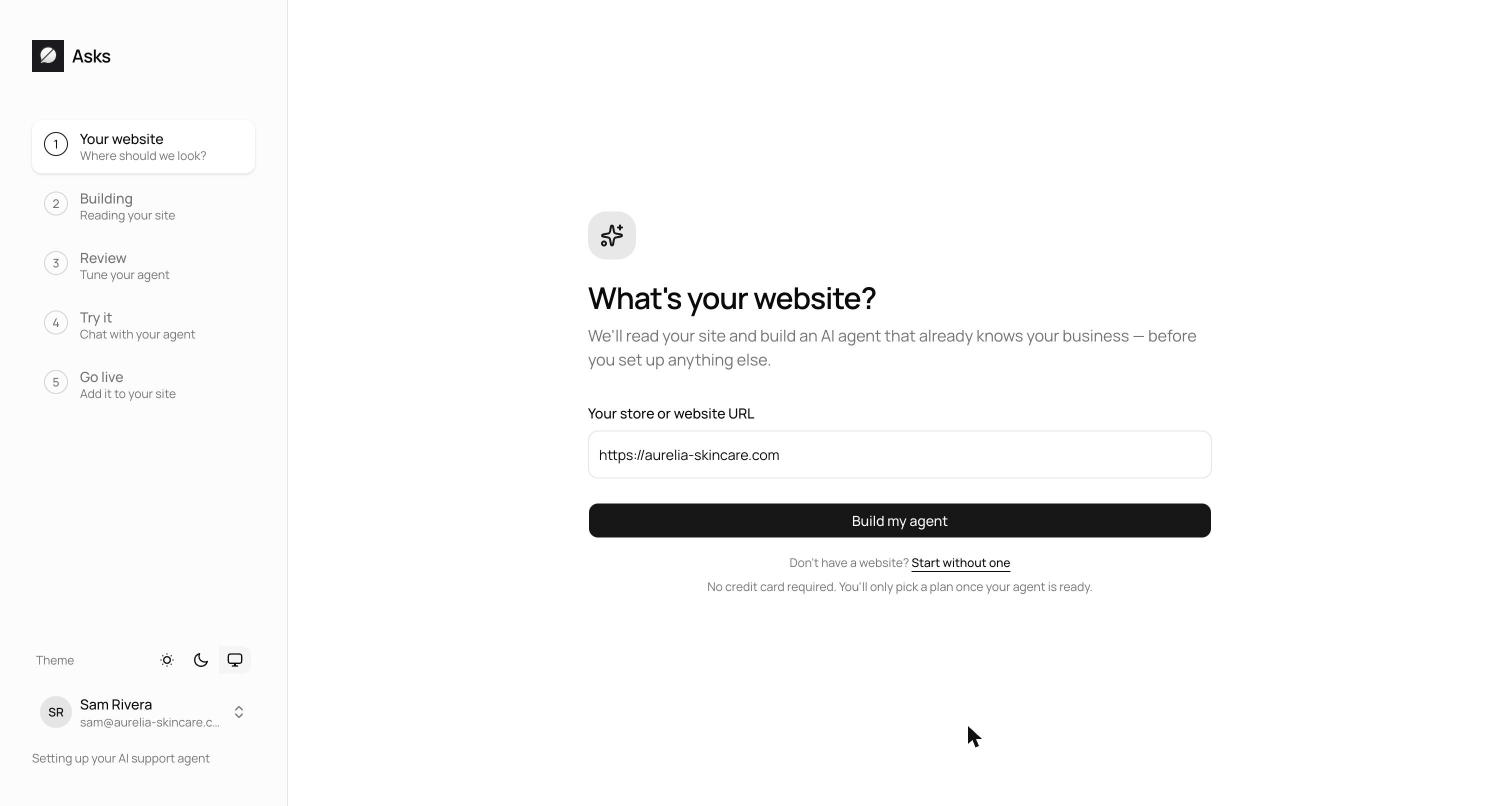
Setup used to be a form. Now it's a reveal. Paste your website address and Asks crawls your most important pages, learns your products and policies, detects your brand colors and logo, and builds a first version of your agent — then puts you straight into a live playground to talk to it.
No website yet? There's a manual path too: describe your business, upload a few files, and you get the same result. Either way, the first thing you do in Asks is the thing you came for — a conversation with your own agent.
Five steps, one URL
- 1Your websiteEnter your store or website URL — that's the whole form. Asks derives your workspace name from it, starts reading your site, and works out your industry from what it finds.
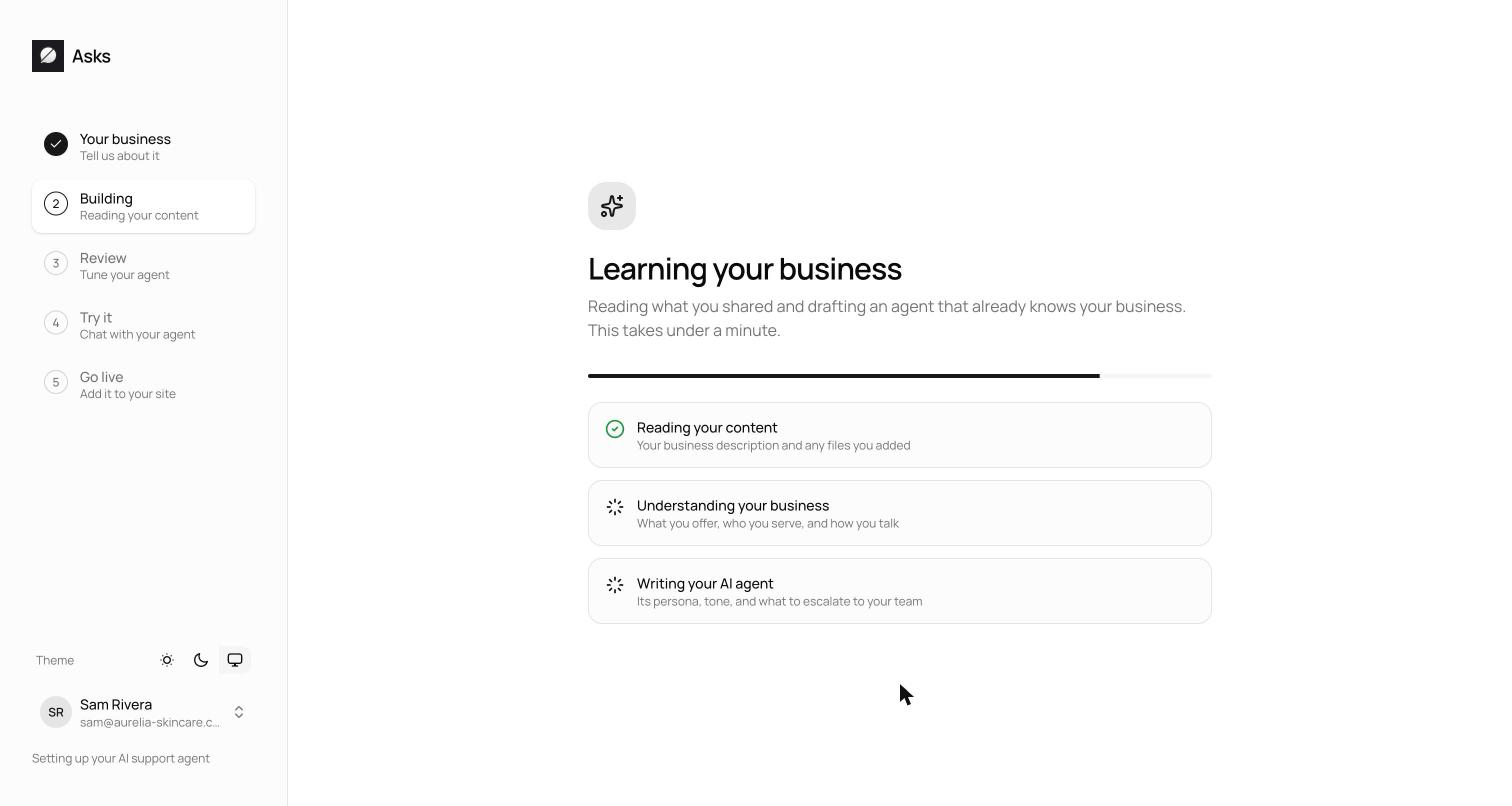
- 2BuildingAsks reads a first set of your key pages — up to about a dozen — and drafts your agent from them: products, policies, tone. This takes about a minute; on larger sites the wizard moves on once enough pages are in and finishes in the background.
- 3ReviewSee the draft — agent name, tone, response length, and the persona and instructions it will follow — and adjust anything that doesn't sound like you.
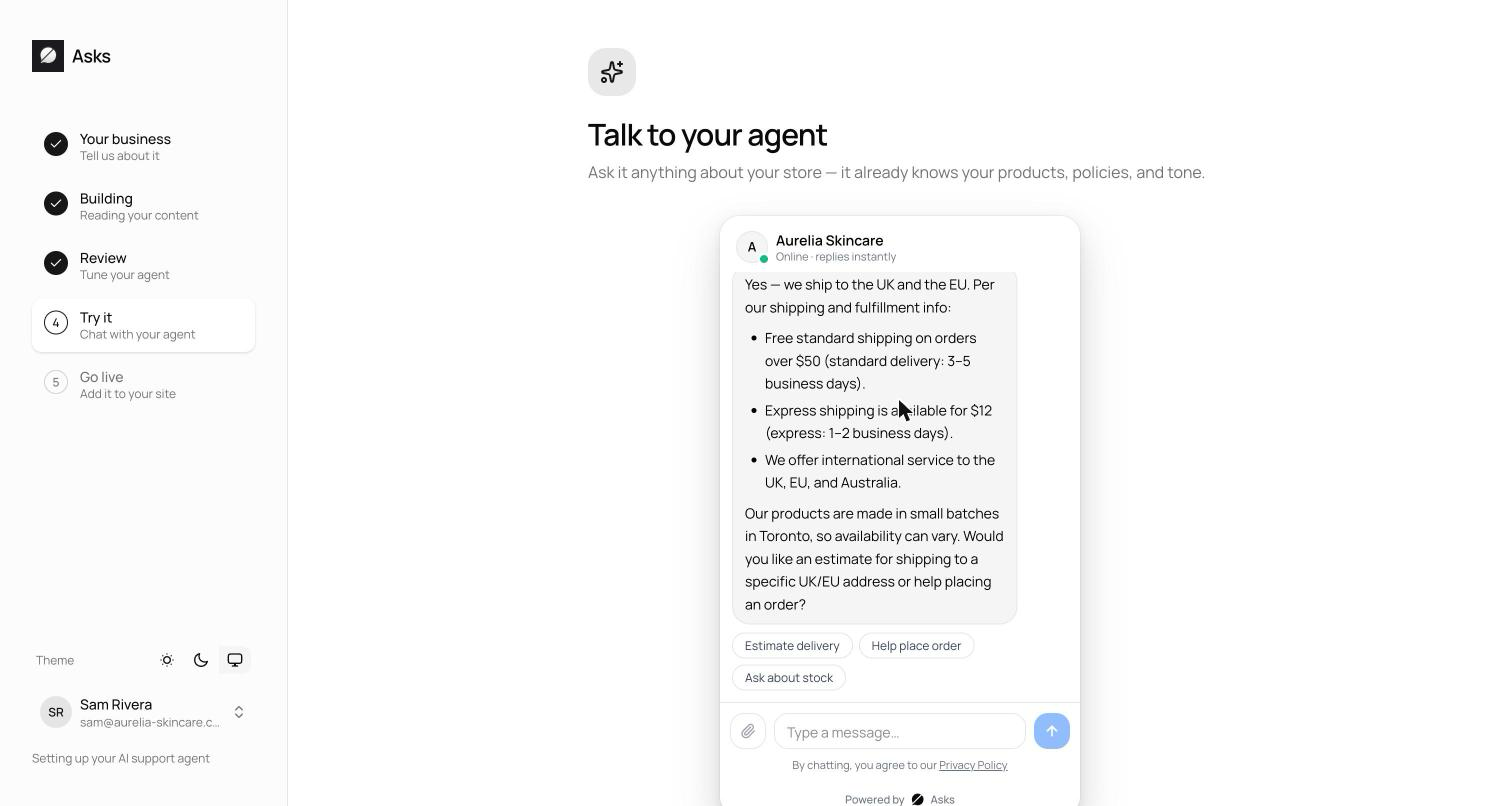
- 4Try itChat with your agent in the playground — the exact widget your customers will see. Ask about shipping, returns, pricing, and check the answers against your site.
- 5Go livePick a surface: a floating widget in the corner of your site, an inline embed inside a page section, or a hosted chat page you can share with no website at all. Copy the snippet — or, on Shopify, install without touching code.
No website, no problem
Choose Start without oneand you enter your business name, pick an industry, and describe what you do — what you sell, who your customers are, your policies. You can attach up to 3 knowledge files of 10 MB each (PDF, DOC, TXT, and other common formats); the description and files become the agent's starting knowledge.
The wizard deliberately doesn't crawl your whole site. After setup, you pick exactly which pages the agent learns from — and add the rest — under Knowledge base → Websites. Progress saves per workspace, so if you close the tab, the wizard resumes at the same step.
See what's new in your workspace
Everything on this page is live today. Asks trains on your website and resolves customer conversations on every channel — free to try, live in minutes.