Send anything: photos, voice notes, and documents
Customers can now send images, audio, and documents on every channel — and the agent actually understands them: photos are read, voice notes transcribed, PDFs parsed.
Support conversations aren't text-only, and now Asks isn't either. Customers can attach photos, voice messages, and documents on the widget, WhatsApp, Instagram, Messenger, Telegram, Slack, and Discord — and your agent doesn't just receive them, it understands them.
- A photo of a damaged parcel? The agent sees the damage and starts the return.
- A voice note? Transcribed on the fly and answered like any other message.
- A PDF invoice or spec sheet? Parsed, read, and used in the answer.
Understood, not just stored
The agent sees image attachments and can answer about them — a screenshot of an error, a photo of a product. Voice notes up to 25 MB are transcribed and treated as the customer's message, so the reply addresses what was said, not the fact that audio arrived. You can try both in the playground: its composer accepts uploads, styled exactly like your live widget.
On every channel, at each channel's limits
- Widget — file uploads are a Behavior toggle, with a configurable max file size (10 MB by default) and up to 10 files per message.
- WhatsApp — images, video, audio, documents, and stickers both ways, with uploads up to 100 MB.
- Telegram — media both ways, up to about 20 MB per file.
- Discord — attachments up to 25 MB each are captured into the conversation.
- Slack — files and screenshots shared with the bot are captured.
- Email — attachments both ways; inbound files over 20 MB are skipped while the message still arrives.
Your team sends them too
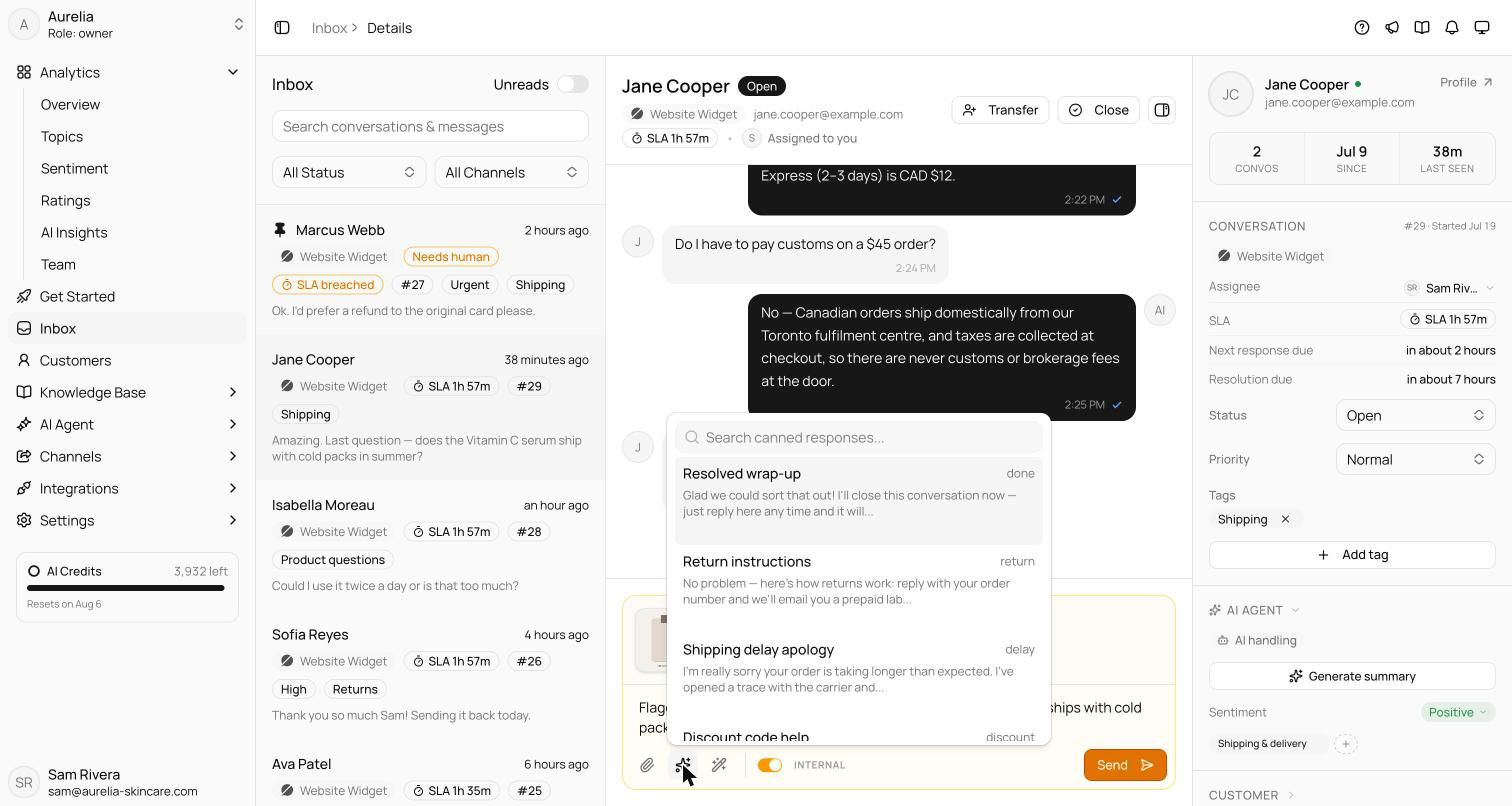
The inbox composer attaches up to 10 files per message, 16 MB each — images, video, audio, PDFs, and common document types. Drag files onto the transcript or paste from your clipboard; media attachments open a preview where you can add a caption before sending.
See what's new in your workspace
Everything on this page is live today. Asks trains on your website and resolves customer conversations on every channel — free to try, live in minutes.