Knowledge base, reorganized: Articles, Websites, Documents
The single Sources page is gone. Knowledge now lives in three focused pages, with a storage meter and a per-website view of every page your agent learned.
One page trying to do three jobs never felt right. Your agent's knowledge is now organized the way you think about it: Articles you write, Websites we crawl, and Documents you upload.
Each website now has its own detail view listing every scraped page — what was learned, when it was refreshed, and what changed. A storage meter shows exactly how much of your knowledge quota you're using, and refresh alerts tell you when a source needs attention instead of silently going stale.
Articles: written, gated, organized
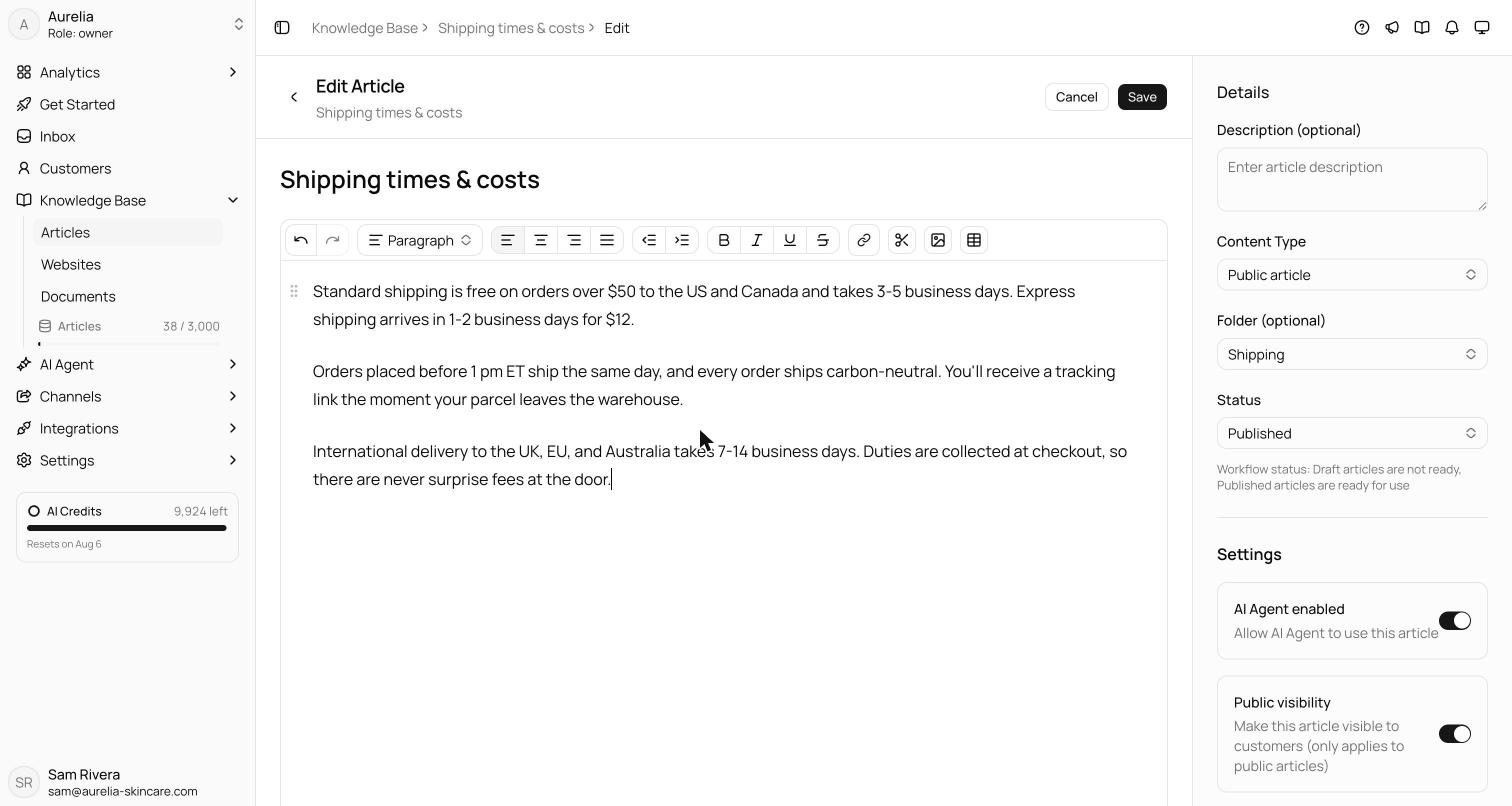
Articles are the answers you want stated exactly one way. Each one is either a Public article — written for customers, eligible for your Help Center — or an Internal article, guidance the agent can use but customers never see. Folders nest, and the list has search, filters, and a group-by control. Only articles that are Published with AI Agent enabled are indexed — drafts never reach the agent, and saving a published article re-indexes it immediately, with no separate training step.
Documents: upload, extract, OCR
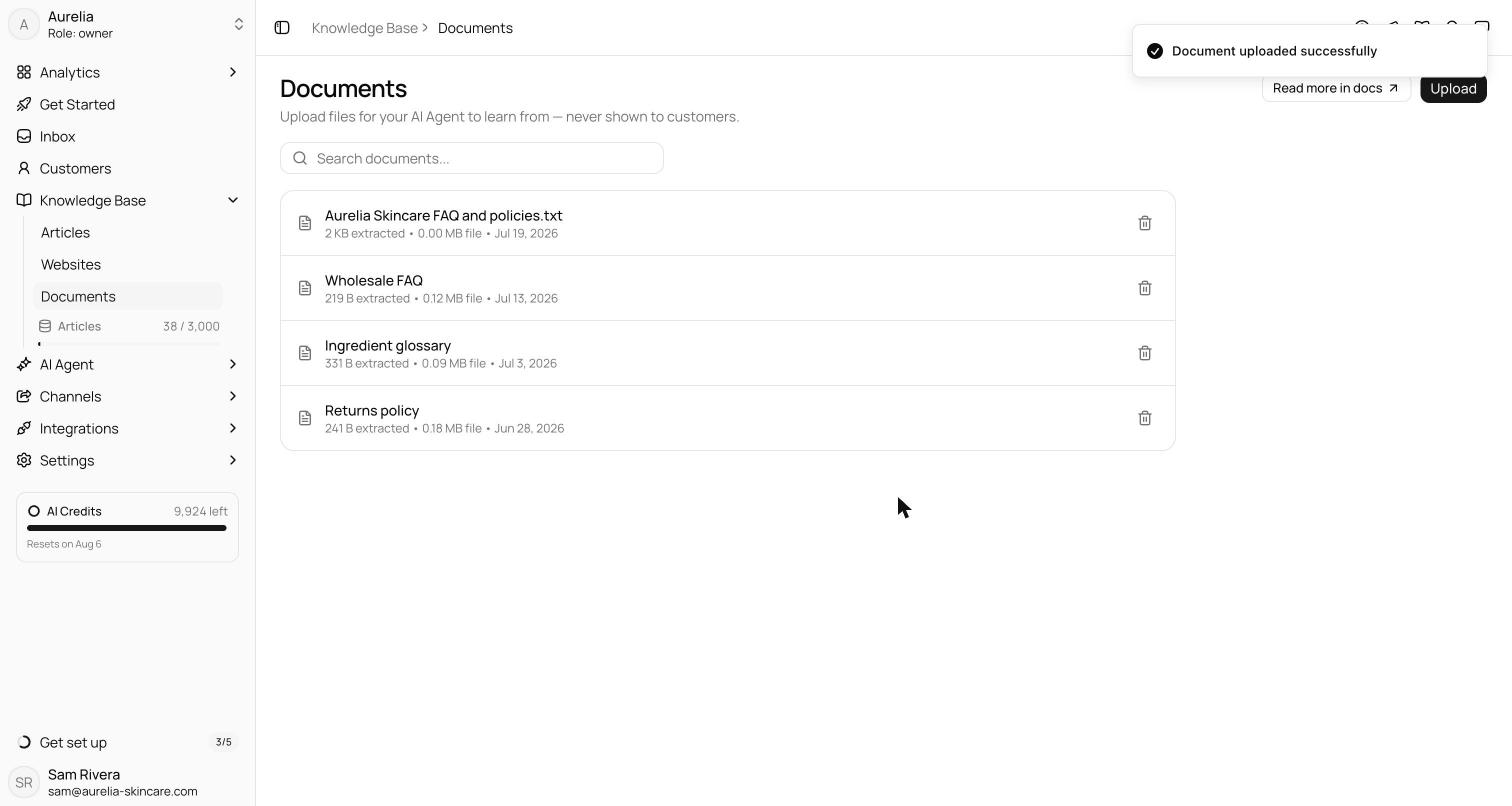
Documents are files you upload directly — PDFs, Word files, spreadsheets, text files, and images, up to 10 MB each. Asks extracts the text (via OCR for scans and images) and indexes it; the files themselves are never shown to customers. Each row shows the extracted size — how much usable text the agent actually got — alongside the raw file size, and opening a document gives you a read-only view of the extracted text with a download link for the original.
One unit for everything: the article
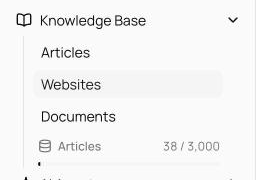
The whole knowledge base is measured in Knowledge Base Articles: a written article, an uploaded file, or a crawled web page each count as exactly one. Plans include 300 (Starter), 1,000 (Business), or 3,000 (Premium), with +100-article blocks at $19/month if you need more. The meter at the bottom of the sidebar tracks usage live — amber at 80%, red at 100% — and deleting an item frees its slot immediately.
See what's new in your workspace
Everything on this page is live today. Asks trains on your website and resolves customer conversations on every channel — free to try, live in minutes.