Integrations get a proper home — and honest paywalls
Shopify, API keys, webhooks, and the Agent API each get a dedicated page under a new Integrations group — and locked features now show a blurred preview of the real thing.
Integrations used to share one page where the good parts sat below two upgrade cards. There's now a proper Integrations group in the sidebar: Shopify, API Keys, Webhooks, and the Agent API each on their own page, each with room to breathe.
And paywalls stopped being mysterious: a locked page now shows a blurred preview of the actual feature behind the upgrade prompt — you see what you'd get, not a padlock and a promise. Locked means locked, too: gated pages fetch nothing until the plan allows it.
Four pages instead of one
The new Integrations group in the sidebar gives each integration surface its own page:
- Shopify (/integrations/shopify) — the store connection
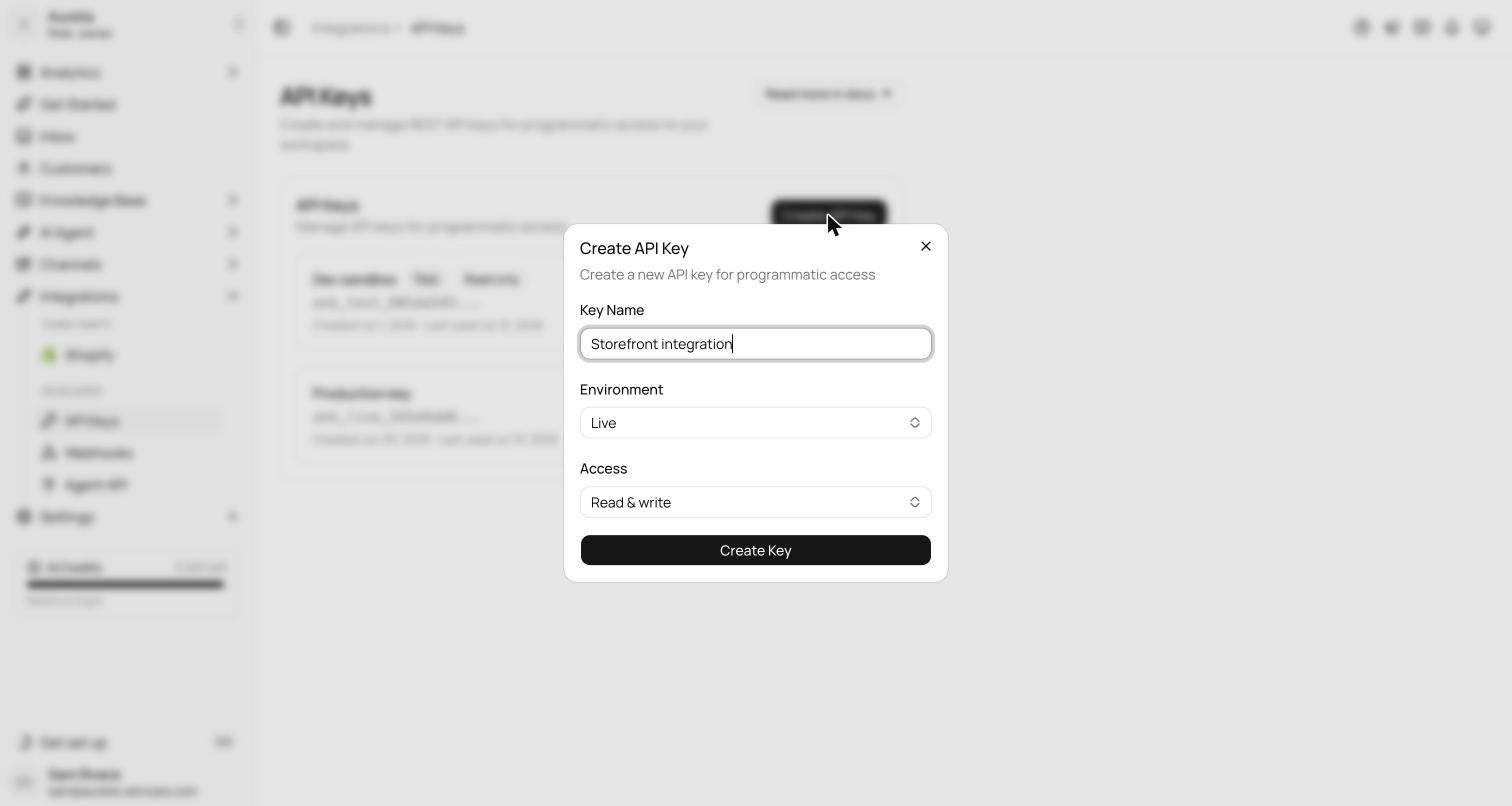
- API Keys (/integrations/api-keys) — create and manage keys for the REST API
- Webhooks (/integrations/webhooks) — endpoints, event subscriptions, and delivery
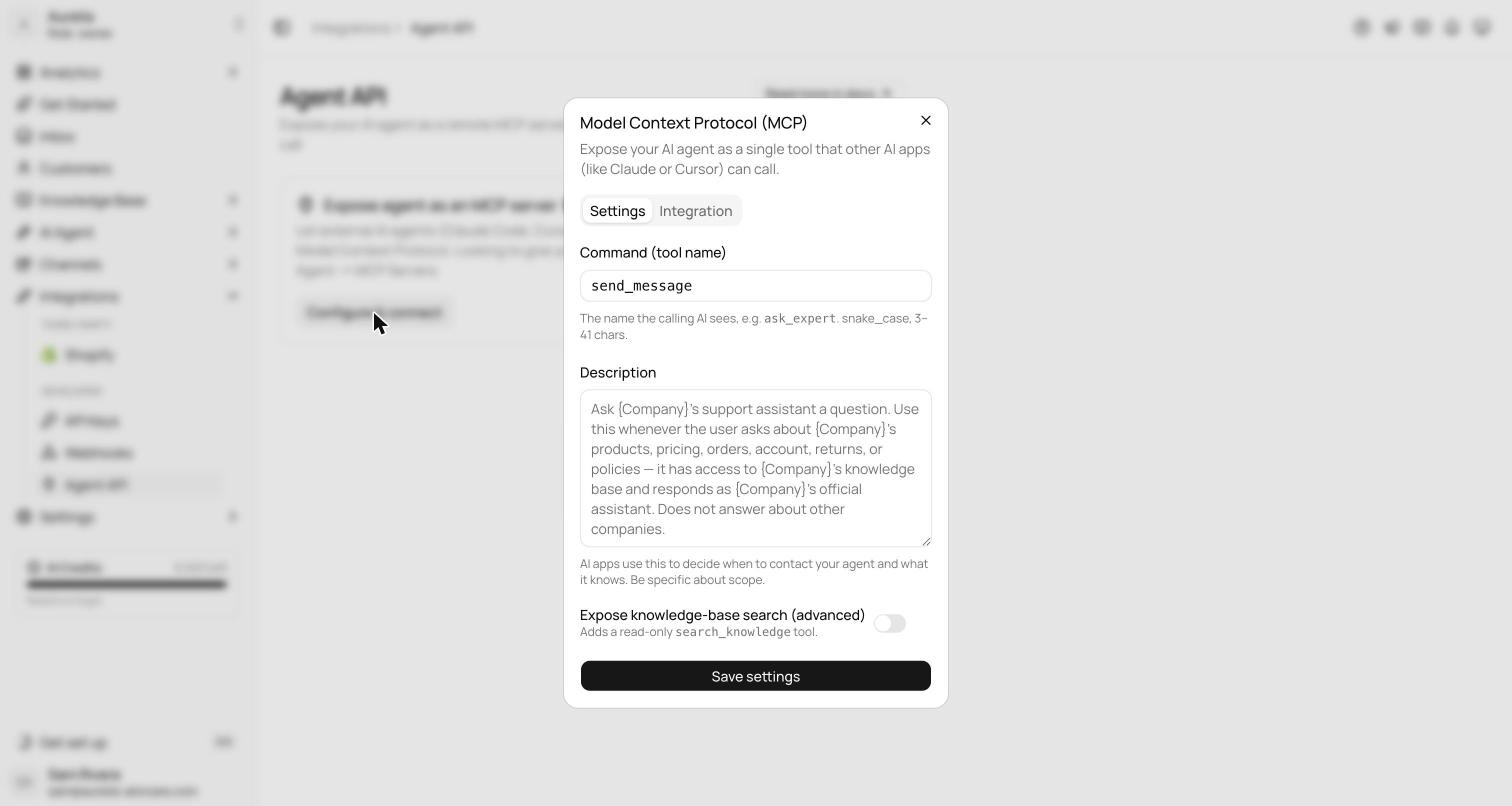
- Agent API / MCP (/integrations/mcp) — talk to your trained agent from your own tools
Previously all of this shared a single page where the third-party integrations sat below two upgrade cards — you scrolled past marketing to reach your own API keys. Each surface now has room for its own state, its own empty state, and its own docs link.
Paywalls you can see through
Locked features across the app changed shape at the same time. Instead of a bare lock screen, a locked page now shows a blurred previewof the real interface behind the upgrade prompt — the actual layout of the feature, softened, with the plan prompt on top. You're deciding about a thing you can see, not a padlock and a promise. This applies to Analytics Team, Topics, Sentiment, and AI Insights, AI Agent Evals, SLA policies, SSO, and the integrations pages themselves.
See what's new in your workspace
Everything on this page is live today. Asks trains on your website and resolves customer conversations on every channel — free to try, live in minutes.